RiseGuide Team
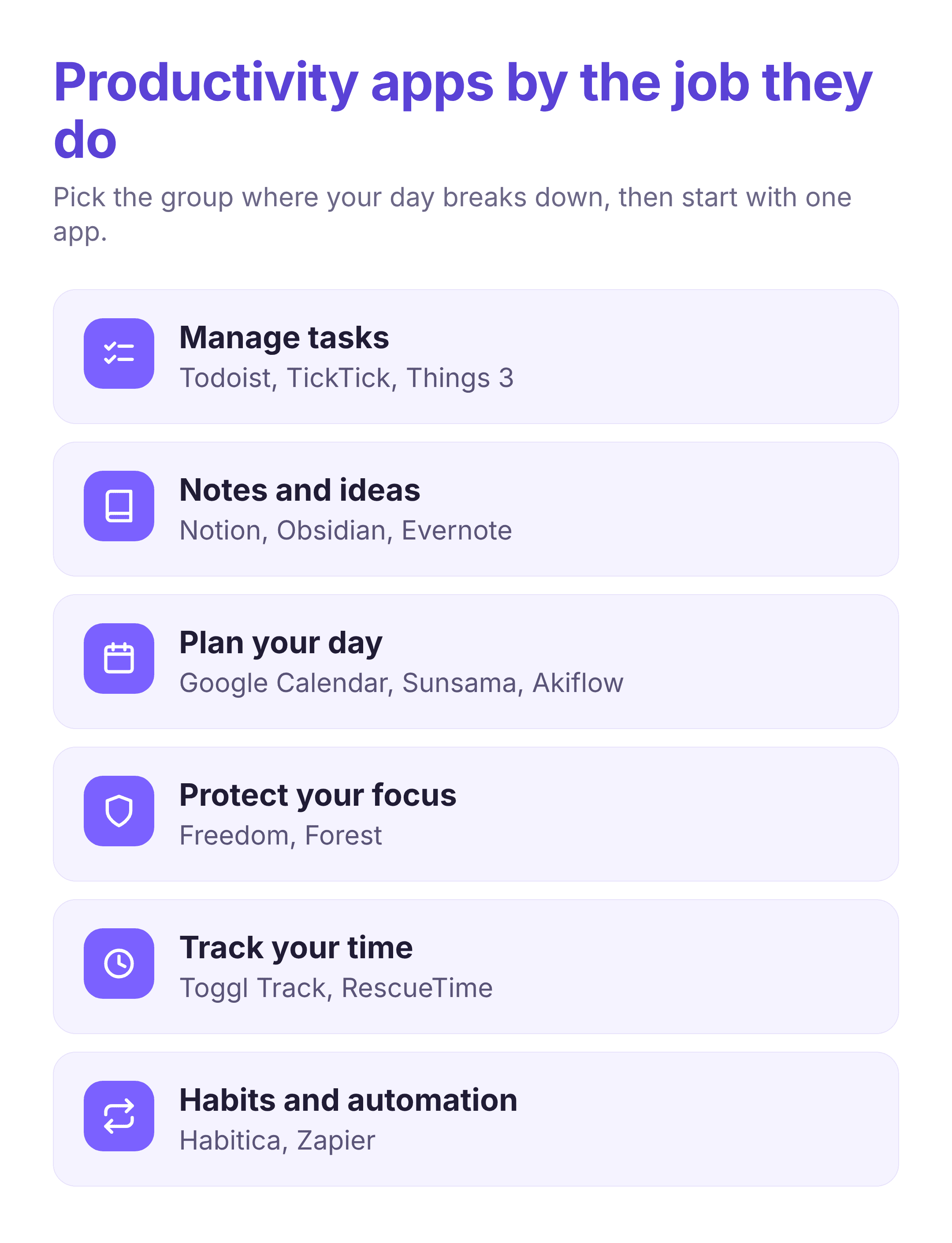
To pick the best productivity apps for the way you work, start from the job you want help with rather than the app with the longest feature list. For managing tasks, Todoist, TickTick, and Things 3 are the steadiest picks. For notes and ideas, Notion, Obsidian, and Evernote each suit a different way of thinking. For planning your day, Google Calendar, Sunsama, and Akiflow turn a list into a schedule. To guard your focus, Freedom and Forest keep you off distractions, while Toggl Track and RescueTime show where your hours go. Habitica turns habits into a game, and Zapier removes the repetitive steps between your other apps. Most people do better with one task manager, one place for notes, and one focus tool than with all fifteen open at once.
The number of productivity apps has grown faster than anyone's ability to try them all. Part of the reason is how scattered attention has become: research by Gloria Mark found that people now hold their focus on a single screen for about 47 seconds on average before switching to something else. The right app does not add more to your plate, it takes one recurring job off it, whether that is remembering what you owe people, keeping your notes in one place, or stopping you from opening the same three sites every few minutes. The list of best productivity apps below is grouped by that job, so you can go straight to the part of your day that needs the most help and skip the rest.
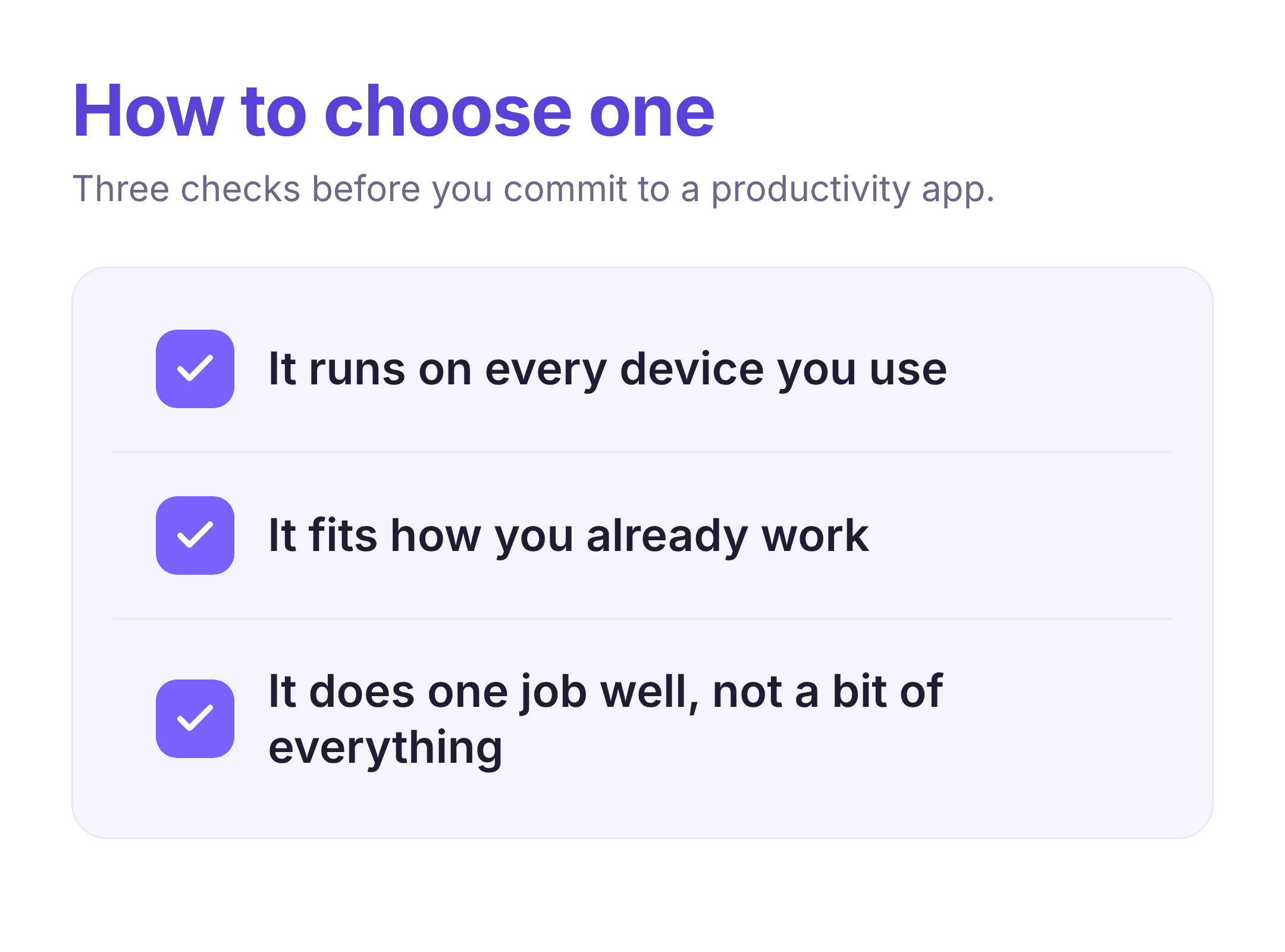
The right app for one person is clutter for another, so the useful question is which single job is costing you the most time right now. If tasks slip through the cracks, a task manager matters more than a detailed note system. If your problem is focus, a blocker will do more than another to-do list. Three things are worth checking before you commit: whether it runs on every device you use, whether it fits the way you already work instead of asking you to rebuild your system, and whether it does one thing well rather than a little of everything. You can always add a second app later, and starting with one and using it for a few weeks beats installing six and keeping none.
A task manager is the anchor of most setups. Its job is to get every commitment out of your head and into one place you trust, so you spend your attention deciding what to do next instead of trying to remember what exists. The three below cover most needs, from a quick personal to-do list to a system you share across a project.
Todoist keeps your tasks in simple lists and projects, and it reads plain-language input, so typing "email Sam every Monday at 9" sets a repeating task with the right date attached. It runs on iPhone, Android, the web, Mac, Windows, and as a browser extension, and it syncs quickly across all of them. Labels and filters let you cut a long list down to what matters today, and shared projects let a team see the same tasks. It suits anyone who wants a dependable list they can reach from any device without much setup.
TickTick does what a to-do app does, then folds in a calendar view, a built-in Pomodoro timer, and a habit tracker, so your tasks and your schedule sit side by side. You can see a deadline on the calendar, start a focus timer on a task, and check off a daily habit without leaving the app. It works on iPhone, Android, Mac, Windows, and the web. It fits people who would rather run their day from one place than stitch three narrow tools together.
Things 3 is built around a quiet, uncluttered design that makes a long list feel manageable, with a daily "Today" view and an "Upcoming" view that keep your attention narrow. It stays out of your way rather than nudging you with extra features. The clear limit is platform: it runs only on iPhone, iPad, and Mac, so it is not an option if you use Android or Windows. It suits people already in the Apple ecosystem who want calm over configuration.
Where a task manager holds what you need to do, a notes app holds what you need to think about and come back to. The right one depends on whether you mostly capture quick notes, write long documents, or build a web of connected ideas over time. If your notes are mostly for studying, our team's roundup of the best apps for learning goes deeper on that use.
Notion is a flexible set of building blocks: pages hold text, checklists, and tables, and those tables can act like small databases you filter and sort. People use it for meeting notes, personal wikis, reading lists, and project trackers, often in place of several narrower tools. It runs on every major platform and syncs across them. The flexibility is also the catch, since a blank Notion takes time to set up the way you want, so it rewards people who enjoy building their own system.
Obsidian stores your notes as plain text files on your own device and lets you link them together, so ideas form a web you can follow rather than a pile of folders. Because the files live locally, your notes stay available offline and are not locked inside one company's format. It runs on desktop and mobile. It fits writers, students, and researchers who want to keep and connect notes for years, and it is more than most people need for simple lists.
Evernote is built around quick capture and strong search: clip a web page, photograph a document, or jot a note, and it can find the text later, even inside images. Notebooks and tags keep things loosely organized without much effort. It runs on all the main platforms and syncs between them. It suits people who collect a lot of reference material and mostly need to pull the right piece back up on demand.
Tasks and notes tell you what exists; a planner decides when each thing happens. These apps turn an open-ended list into a day with start times, which is often the step that separates a tidy task list from a day that goes to plan. For a closer look at scheduling tools on their own, our team's guide to time management apps covers that category in depth.
Google Calendar is the default shared calendar for a reason: it is free, it syncs across every device, and almost every other productivity app connects to it. You can keep separate calendars for work and personal life, share them with other people, and see your week at a glance. It holds the appointments and time blocks you put in it rather than planning your tasks for you. It suits anyone who needs a dependable calendar as the backbone the rest of their tools plug into.
Sunsama walks you through planning one day at a time: each morning you pull in tasks from your to-do app, email, and calendar, then give each one a realistic amount of time, so you commit to a doable day instead of an endless list. It nudges you to set a daily shutdown and to notice when you have planned more than will fit. It runs on web, Mac, Windows, and mobile, and connects to tools like Todoist, Asana, and Google Calendar. It fits people who feel busy but scattered and want a steadier daily rhythm.
Akiflow gathers tasks from your other apps into a single inbox, then lets you drag each one onto your calendar to block time for it. A command bar lets you capture and schedule with the keyboard, which keeps planning quick. It runs on Mac, Windows, and mobile and connects to common task and calendar tools. It suits people who already juggle several tools and want one place to decide what happens when, and it is more structure than someone with a short, simple list needs.
The apps above help you decide what to do. These help you do it by reducing the pull of everything else. If your main problem is starting, or staying on one thing without drifting to your phone, a focus tool often changes more than any planner.
Freedom lets you block distracting websites and apps on a schedule or on demand, and it can apply the block across your computer and phone at the same time, so you cannot simply switch devices to get around it. You can set recurring sessions, like every weekday morning, so the block runs without you deciding each time. It works on Mac, Windows, iOS, and Android. It suits people who know exactly which sites pull them away and want them gone during deep work.
Forest turns leaving your phone alone into a small game: you plant a virtual tree that grows while you stay out of the app and withers if you leave to check something. Over time you build a little forest that stands in for your focused sessions. It runs on iPhone and Android, with a browser extension for desktop. It fits people who reach for their phone out of habit and want a gentle, visual reason not to. Pairing it with our team's morning routine checklist can make focused blocks easier to protect.
You cannot fix a time problem you cannot see. These two apps show where your hours go, which is often surprising, and give you something concrete to change rather than a vague sense of being busy.
Toggl Track is a one-click timer: you start it on a task, stop it when you move on, and it builds reports showing how your week broke down. You can tag time by project or client, which makes it useful for freelancers billing hours as well as anyone auditing their own habits. It runs on every major platform plus a browser extension, and it can remind you when you forget to start the timer. It suits people who want accurate numbers on their time without heavy setup.
RescueTime runs in the background and logs which apps and sites you use, then scores your day so you can see how much went to focused work versus distraction, without starting any timers yourself. It can also run focus sessions that block distracting sites while you work. It covers Mac, Windows, and Android, with more limited tracking on iPhone. It fits people who would never remember to track time by hand and want the picture drawn for them.
The last two apps work on the edges of productivity: one on the habits that make any system stick, the other on the repetitive steps between your tools that eat up time. Both pay off over weeks rather than in a single afternoon.
Habitica turns your habits and daily tasks into a role-playing game: you create a character that gains points and gear when you follow through and takes damage when you skip, and you can join parties with friends for accountability. The game layer gives a quick reward to habits that otherwise feel invisible day to day. It runs on iPhone, Android, and the web. It suits people who are motivated by streaks, points, and a bit of play, and it will feel like too much to anyone who just wants a plain checklist.
Zapier connects your apps and moves information between them on its own, so a new form response can create a task, save a row in a spreadsheet, and send a notification without you copying anything by hand. You build these "Zaps" by choosing a trigger in one app and actions in others, with no code. It is a web tool that connects to thousands of apps, including most on this list. It fits people who catch themselves doing the same manual shuffle between apps every week and want it to happen automatically.
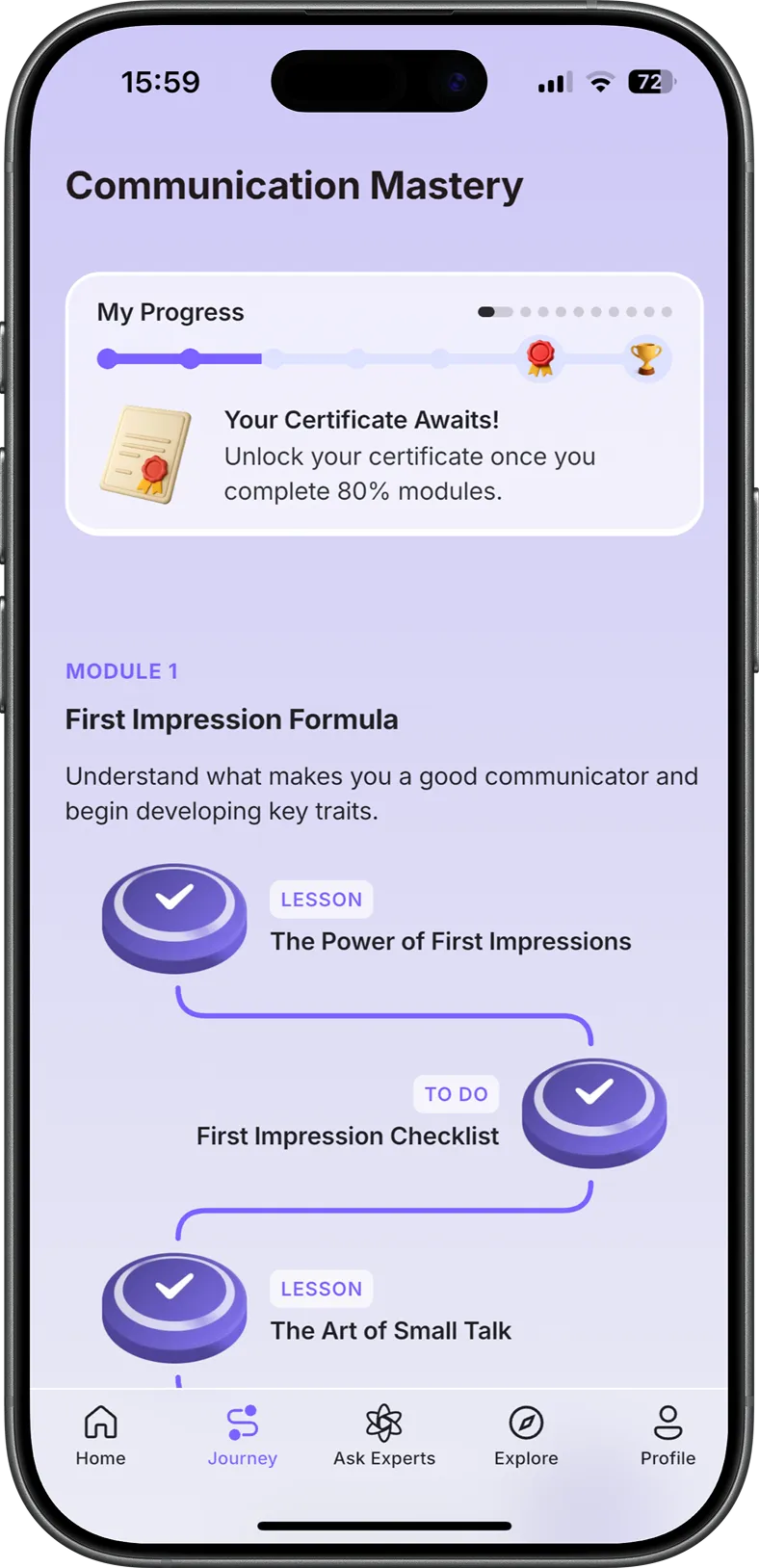
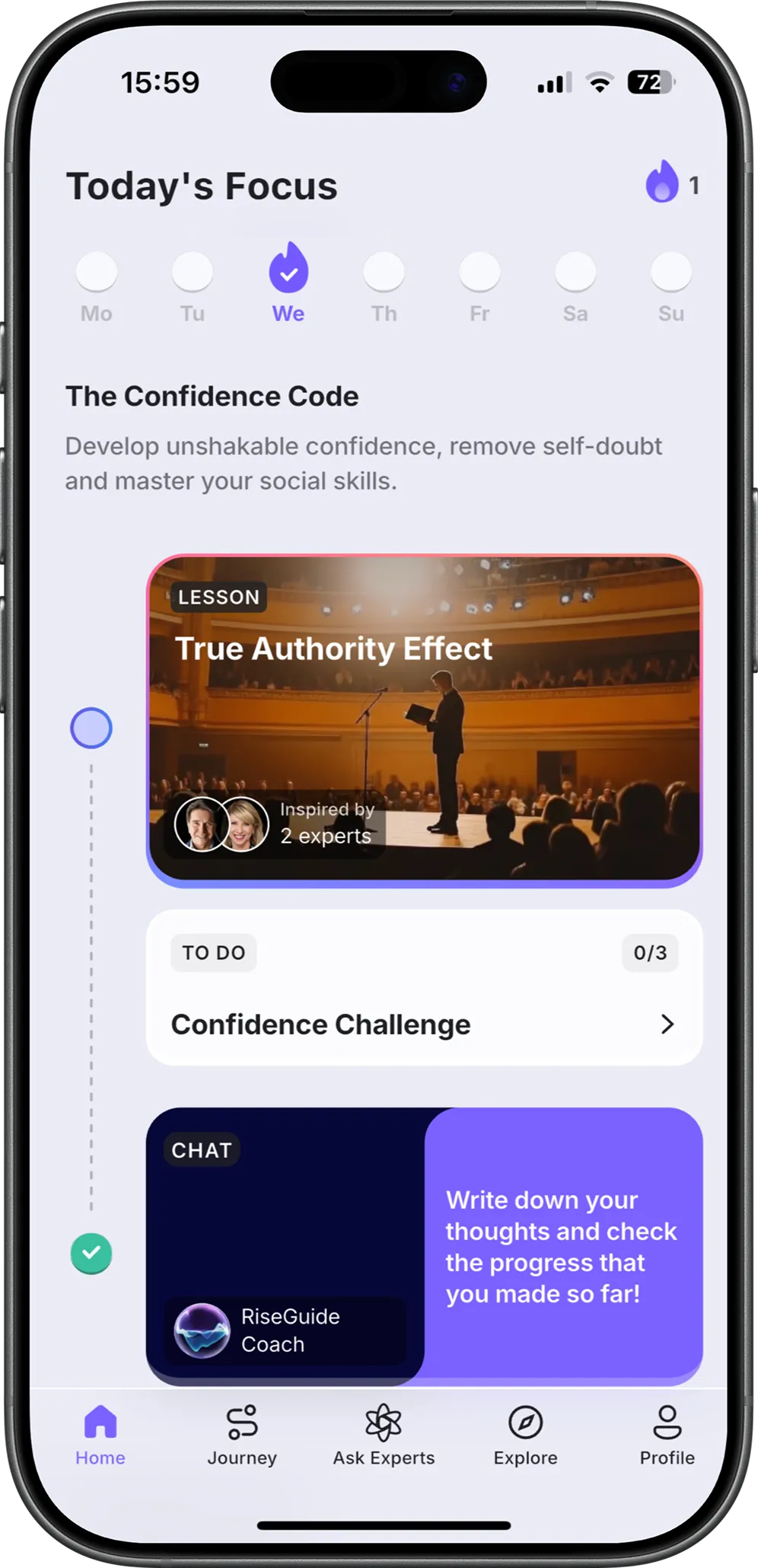
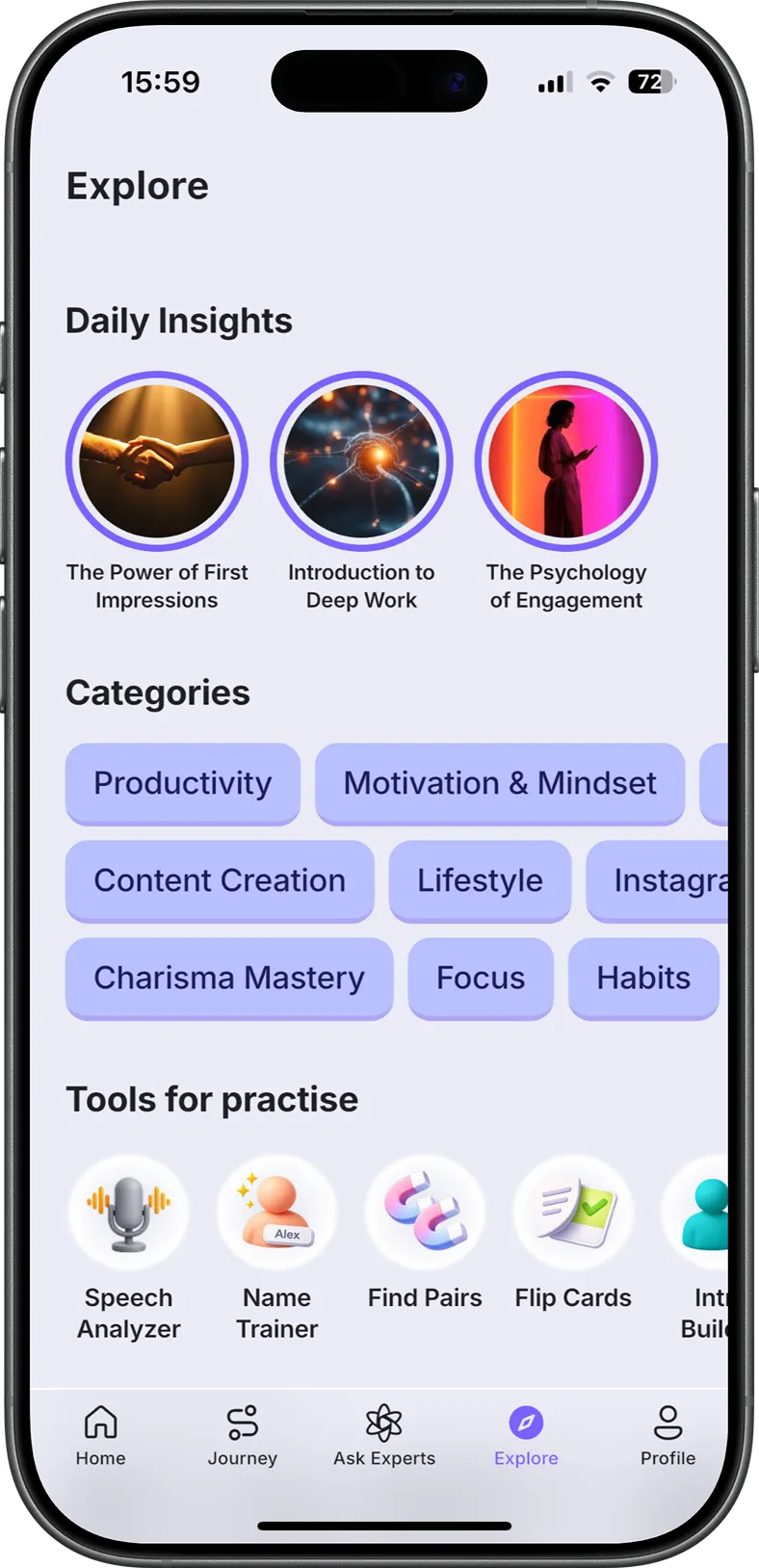
The best productivity app is the one you will still open in a month, which almost always means the one that fits how you already work rather than the one with the most features. Pick the single job that costs you the most time right now, choose one app from that group, and give it a few weeks before adding anything else. Tools can clear the friction, but the steadier gains usually come from the habits you build around them. That second part is what RiseGuide works on: it is an expert-powered app that breaks skills like focus and discipline into short, roughly 15-minute lessons you can do in the gaps these apps free up, starting with its Communication Mastery journey. Protecting your work-life balance matters here too, so the time you save lands somewhere worth having.
There is no single best productivity app, because the right one depends on the job you most need help with. For most people the anchor is a task manager like Todoist or TickTick, since getting commitments out of your head is the step everything else builds on. From there, add a notes app or a focus tool only if that is where your day breaks down.
Several of the best free productivity apps are strong enough to run your whole system at no cost. Google Calendar is free to use, Todoist and TickTick both have capable free versions for personal task lists, Obsidian is free for personal note-taking, and Habitica is free for habit building. Start with the free version of one app in the category you need before paying for anything.
The best productivity apps for students usually combine a calendar, a task list, and a way to focus during study blocks. Notion and TickTick both handle classes, deadlines, and notes in one place, Google Calendar keeps your schedule straight, and Forest helps you stay off your phone while you study. Keep the setup small, since a system you have to maintain is one more thing to fall behind on.
The best AI productivity apps mostly help in two ways: planning your day and doing the writing or thinking around your tasks. Akiflow and Reclaim use AI to fit tasks into your calendar automatically, and a general assistant like ChatGPT can draft, summarize, and outline work you would otherwise start from scratch. Treat AI as a layer on top of a system you already trust, not a replacement for a task manager.
The best ADHD productivity apps tend to lower the friction of starting and cut distraction rather than pile on features. A simple task manager like TickTick, a visual focus app like Forest, a blocker like Freedom, and the game-style structure of Habitica all help for that reason. The deeper point is matching the tool to the moment you lose focus, and keeping your setup small enough that maintaining it does not become another task.
The 3-3-3 rule is a way to structure a workday, described by writer Oliver Burkeman: spend three hours on the single most important thing you are working on, then complete three shorter urgent tasks, and finally do three maintenance tasks such as email, tidying, or admin. It works because it protects one long block for deep work before the small stuff fills the day. Any of the planning apps above, like Sunsama or Akiflow, can hold a 3-3-3 plan.
To track your productivity, the two most common choices are Toggl Track, where you start and stop a timer on each task, and RescueTime, which records your time automatically in the background. Pick Toggl Track if you want precise, deliberate numbers and RescueTime if you would rather it run on its own. Both turn a vague sense of a busy week into something you can adjust.
Most of the best productivity apps for iPhone and Android are the same cross-platform tools: Todoist, TickTick, Notion, and Freedom all run well on both. The main difference is Things 3, which is iPhone and iPad only, so Android users who want a clean task manager usually pick TickTick or Todoist instead. On either platform, the better choice is the app you will keep open, not the one with the most features.