RiseGuide Team

If you just want the shortlist, here are the nine apps we cover and what each one is best for:
The right pick depends on what you're trying to learn, and on how much you want to pay. Several of these are free or have a free tier that's enough on its own (Khan Academy, Duolingo, SoloLearn), while others are paid or free only to audit (Coursera, Brilliant, Skillshare, Blinkist). To build a practical skill by practicing it, especially a people skill like communication, start with RiseGuide. For a language, Duolingo is the easiest way to build a daily habit. If you want structured academics, Khan Academy is deep and free, while Coursera offers university courses with certificates and Udemy has a practical course on almost any specific topic. To learn by solving problems, Brilliant leads on math and logic and SoloLearn on coding. For creative work, Skillshare is built around real projects. And when you only want the gist of a nonfiction book, Blinkist gets you there in about fifteen minutes.
When you want to learn something new, a language before a trip, clearer speaking at work, or a subject you didn't finish at school, the hard part is often knowing where to start. The app stores list hundreds of options, and it isn't obvious which one fits what you want to learn, or which ones are actually free.
The same phone can also be a place to learn, with a language tutor, a university lecture, and a coding course all a tap away. The nine learning apps below are grouped by the kind of learning each one does best, and for each one we note what it costs and what you get for free. All of them work well as learning apps for adults picking up a skill in the gaps of a normal day.
"Best" depends on what you're learning, so it helps to know the main kinds of learning apps, sometimes called educational apps, before you choose. Skill-building apps train something you do, like communication. Language apps drill vocabulary and grammar through short daily reps. Academic apps teach school and university subjects. Course platforms host longer, structured lessons from instructors. Creative apps teach hands-on crafts through projects. And summary apps compress books into their core ideas. Most people end up using two or three, one for a language and one for a work skill, say.
Price matters too, and the pricing models here differ a lot. Some apps are free (Khan Academy) or have a free tier most people can learn on (Duolingo, SoloLearn). Some are free only to sample, with the real content behind a subscription (Brilliant, Skillshare, Blinkist). Coursera lets you audit many courses for free but charges for certificates, and Udemy sells courses one at a time. It's worth checking the free tier before you pay, since for some goals it's all you need.
Beyond category and price, the biggest difference between apps is whether they ask you to do something with the material or only present it. Two study methods have the strongest research behind them. The first is testing yourself instead of rereading: the UNC Learning Center notes that rereading leads to quick forgetting, while testing yourself actively engages your brain and improves memory. The second is spacing your practice out over time rather than cramming. In a review of ten common study techniques, researchers writing for the Association for Psychological Science rated practice testing and spaced practice as the two most effective, above popular habits like highlighting or rereading.
That's a useful lens for picking an app. Ones that quiz you, ask you to solve a problem, have you write and run code, or make you practice out loud tend to help you remember more than ones that only play a video. Apps that bring you back day after day also build in the spacing effect almost by accident. The rest comes down to fit: how much time you have per session, and whether the content matches the goal you have in mind.
App Store (4.6 ⭐) · Google Play (4.2 ⭐)
Price: A paid subscription, with 4-week, 12-week, and 24-week plans. Introductory pricing starts at $19.99 for the 4-week plan (plans renew higher), and you see the exact price before you subscribe.
Best for: people who want to build a practical skill by practicing it, not just reading about it.
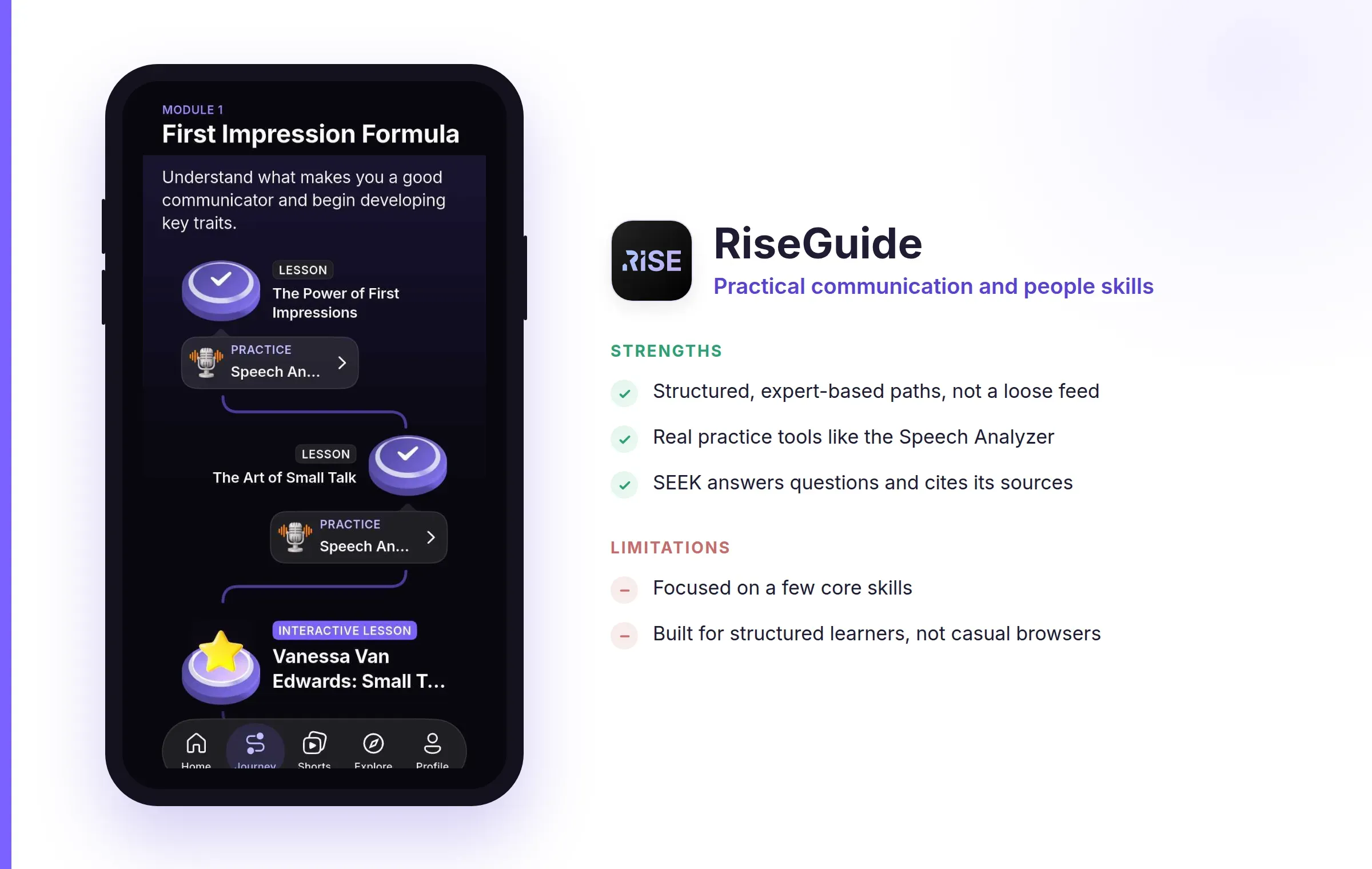
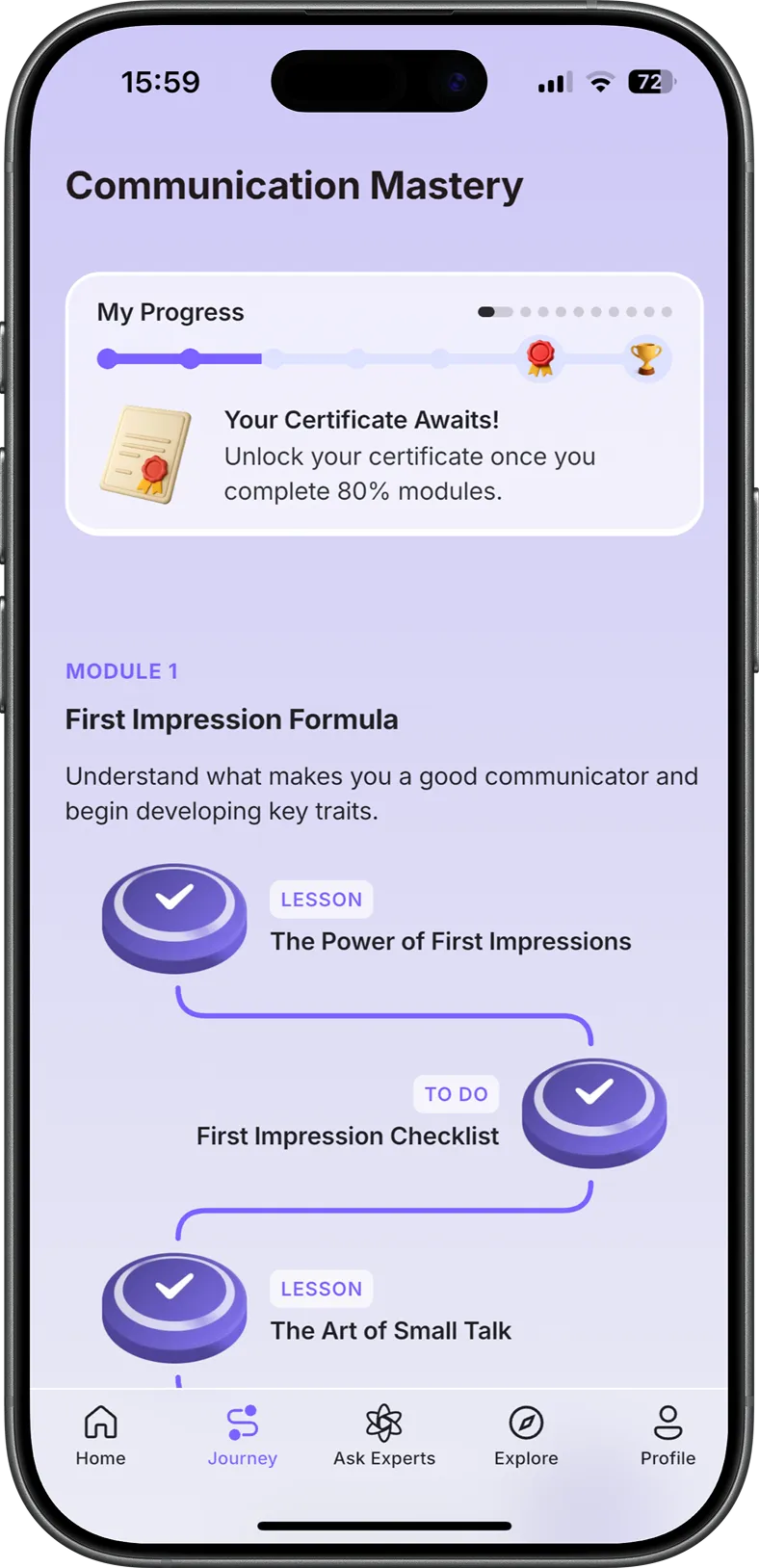
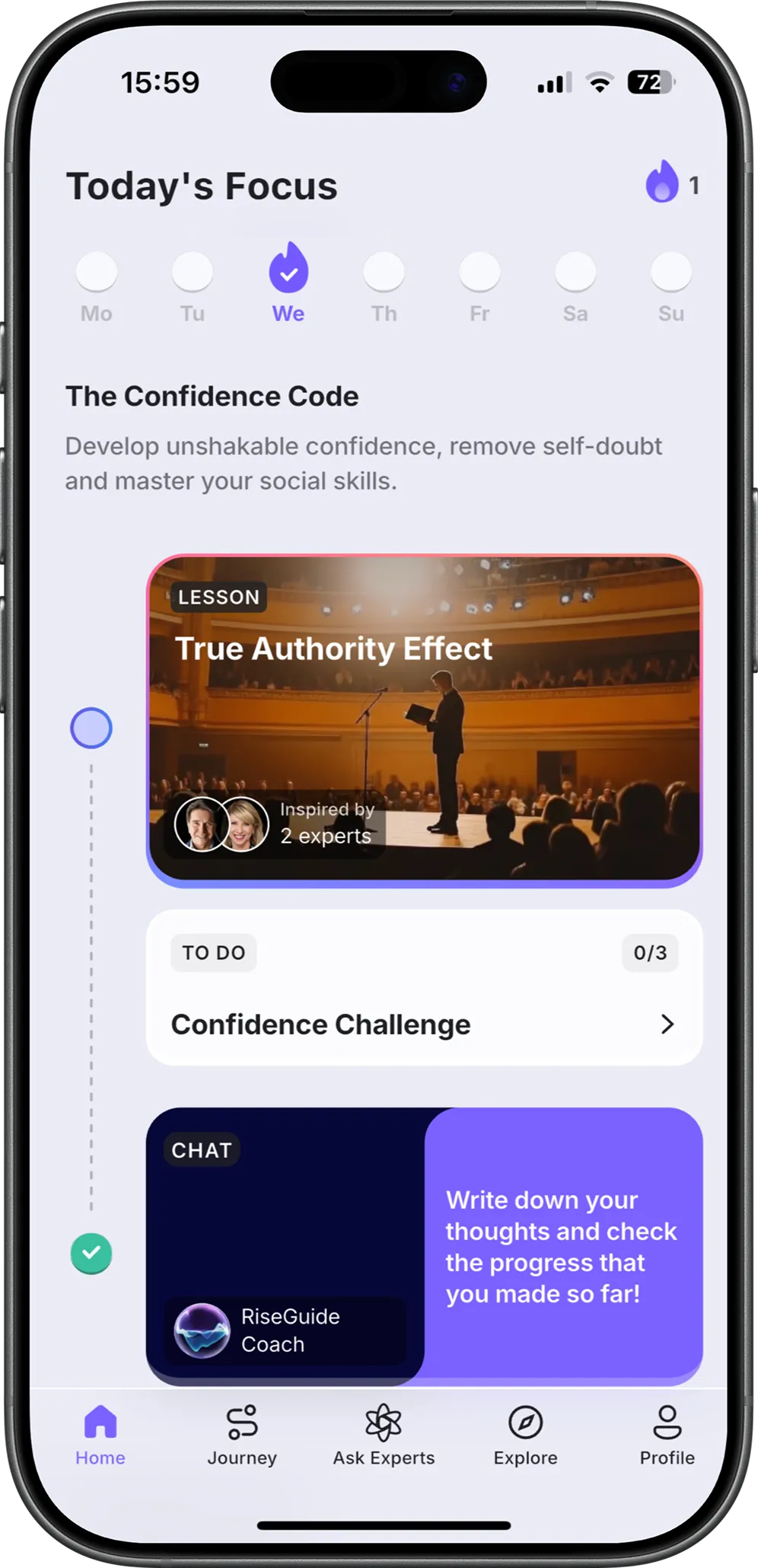
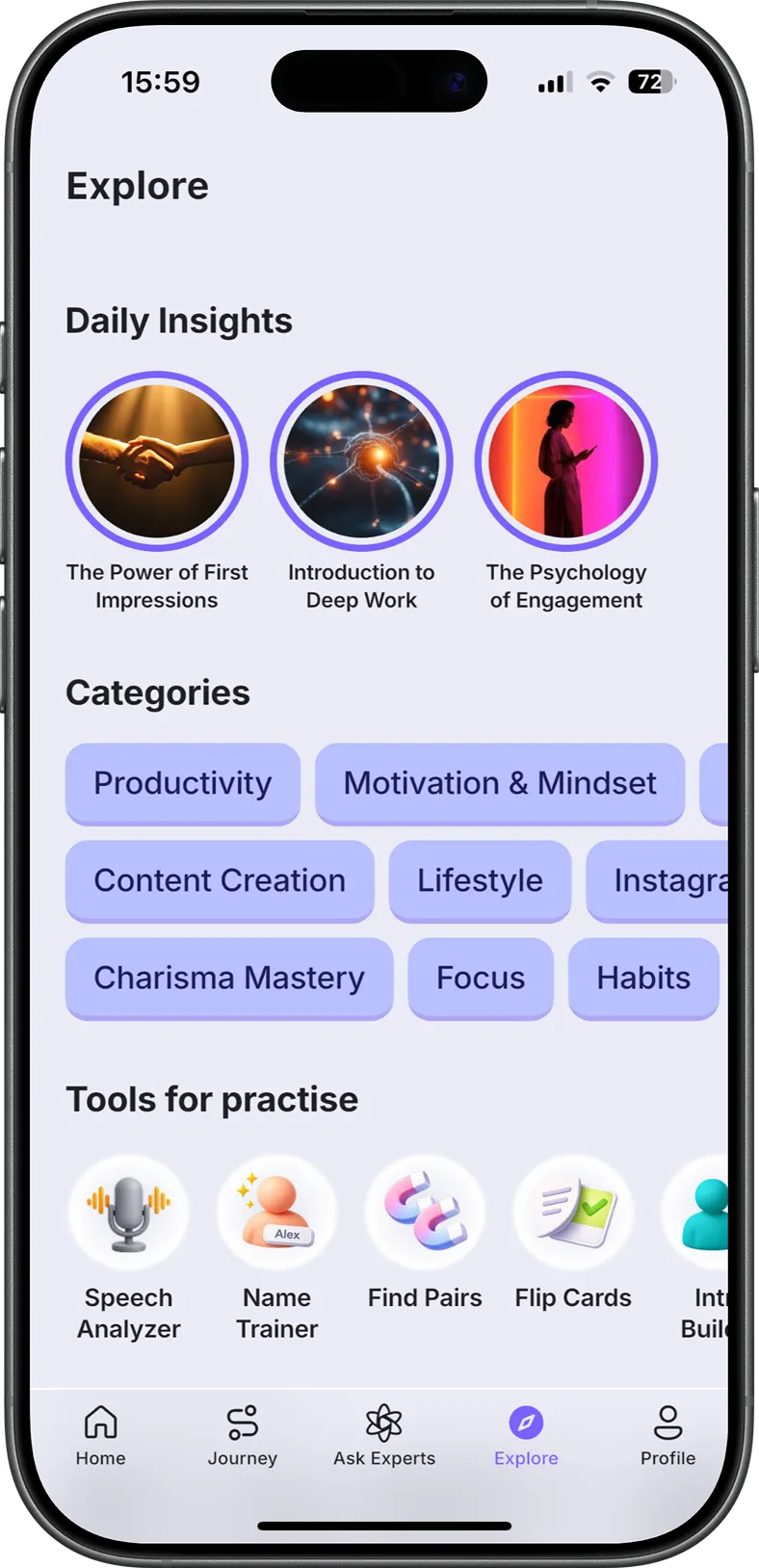
RiseGuide is a learning app built around practicing a skill rather than only reading about it. Its lessons are organized into journeys, step-by-step paths through one skill at a time, drawn from the publicly available work of over 300 team-vetted experts, with a short lesson most days of about 7 to 10 minutes. The journeys cover communication and intelligence, or cognitive, skills, and the app leans on active practice: a Speech Analyzer scores how you speak, and SEEK answers a question with short clips from experts on video. It's also a pick in our roundup of communication apps.
Strengths:
Limitations:
App Store (4.7 ⭐) · Google Play (4.7 ⭐)
Price: Free with ads. Super Duolingo is about $12.99 a month (around $84 a year) and removes ads.
Best for: anyone who wants to pick up a language a few minutes at a time and actually keep at it.
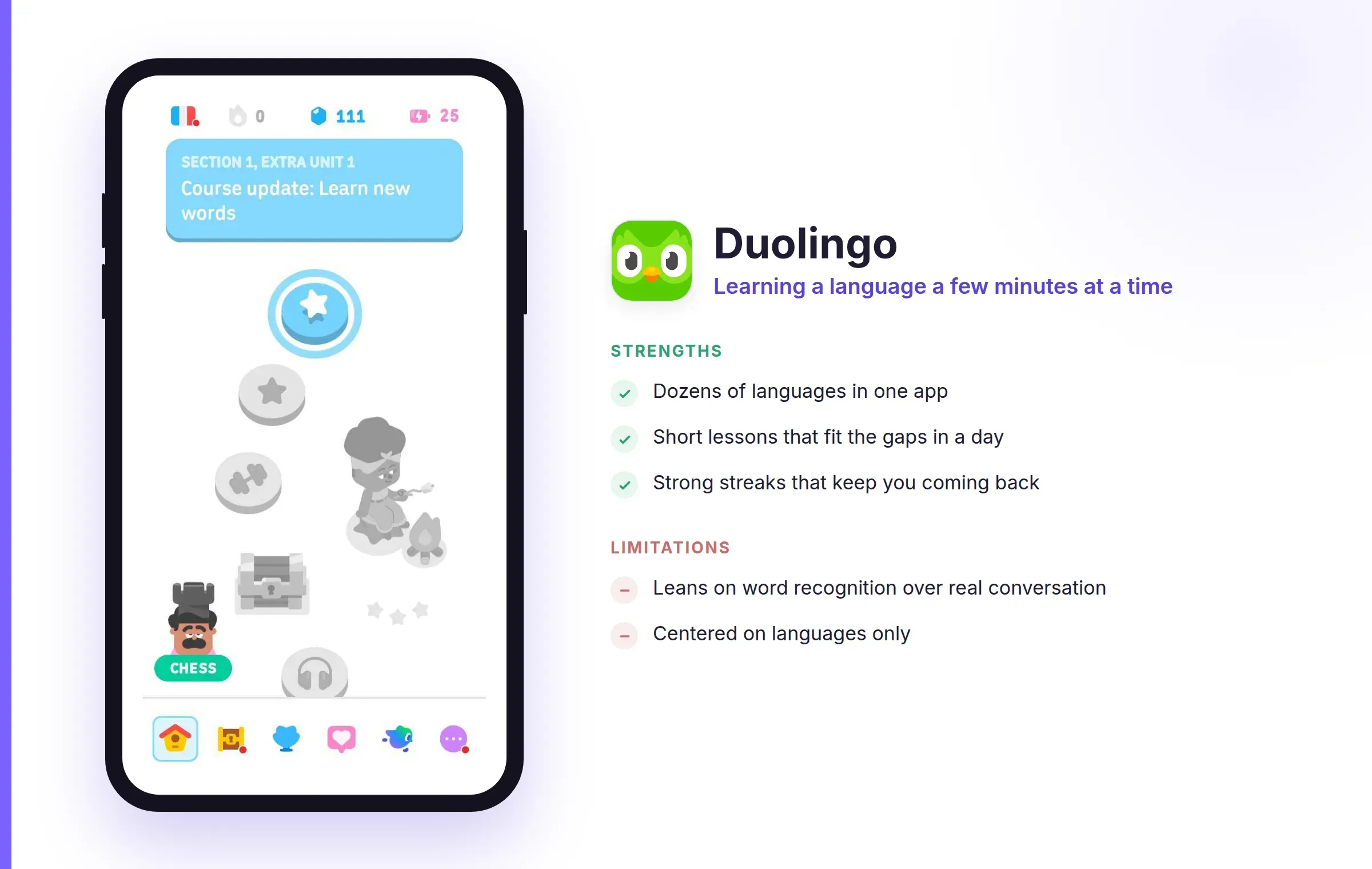
Duolingo is the app most people think of first for languages, and for good reason. It teaches dozens of languages through short, game-like lessons, using streaks, reminders, and small rewards to pull you back the next day. Its habit design is the main draw: the hardest part of learning a language is showing up each day, and Duolingo is built to make that easier. The free version is enough to learn on, which is a big part of its appeal.
Strengths:
Limitations:
App Store (4.6 ⭐) · Google Play (4.2 ⭐)
Price: Free. Khan Academy is a nonprofit, with no ads and no paid tier.
Best for: students and adults who want to relearn or catch up on academic subjects.
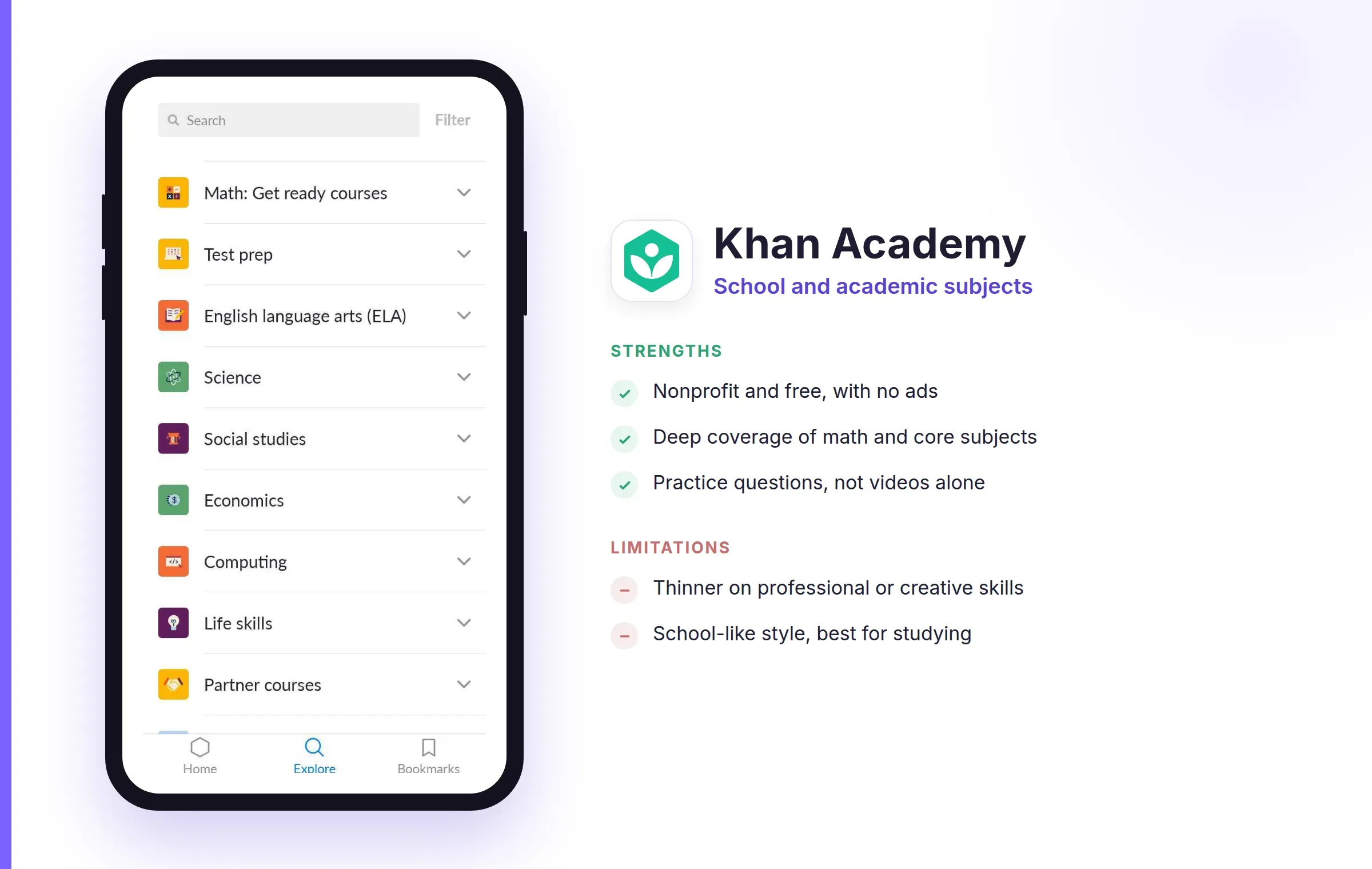
Khan Academy is a nonprofit, and its whole library is open to anyone with no ads. It pairs short video lessons with practice exercises across math, science, economics, and the humanities, and it checks your understanding as you go rather than just lecturing. It works well for rebuilding a foundation in a school subject, or helping a child with homework.
Strengths:
Limitations:
App Store (4.8 ⭐) · Google Play (4.5 ⭐)
Price: Many courses are free to audit. Certificates and specializations are paid, and Coursera Plus is about $59 a month or $399 a year for unlimited access to most of the catalog.
Best for: people who want structured courses from universities and companies, with a certificate at the end.
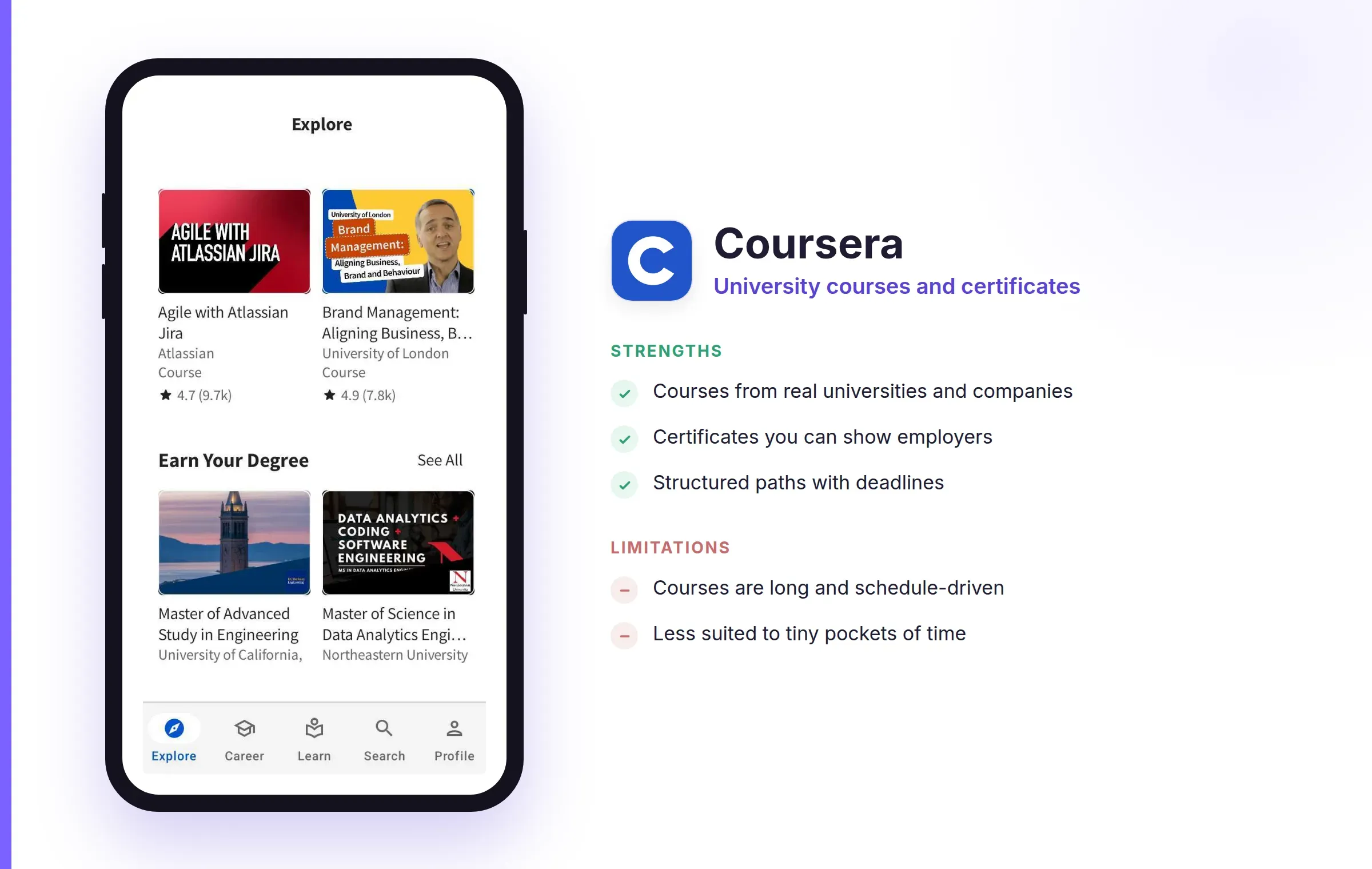
Coursera brings courses from universities and firms like Google and IBM onto your phone, ranging from single classes to full specializations and degrees. The learning is structured and often credential-bearing, so it fits when you want something you can list on a résumé rather than a quick browse. You can follow many courses free in audit mode and only pay when you want the certificate. If a full platform feels like more than you need, our post on Masterclass alternatives covers lighter options for learning from experts.
Strengths:
Limitations:
App Store (4.7 ⭐) · Google Play (4.6 ⭐)
Price: You buy courses one at a time, often from about $10 to $200, and sales are frequent. A Personal Plan subscription, around $29 a month, covers a large slice of the catalog.
Best for: learning one specific, concrete skill when you want to search for exactly that topic.
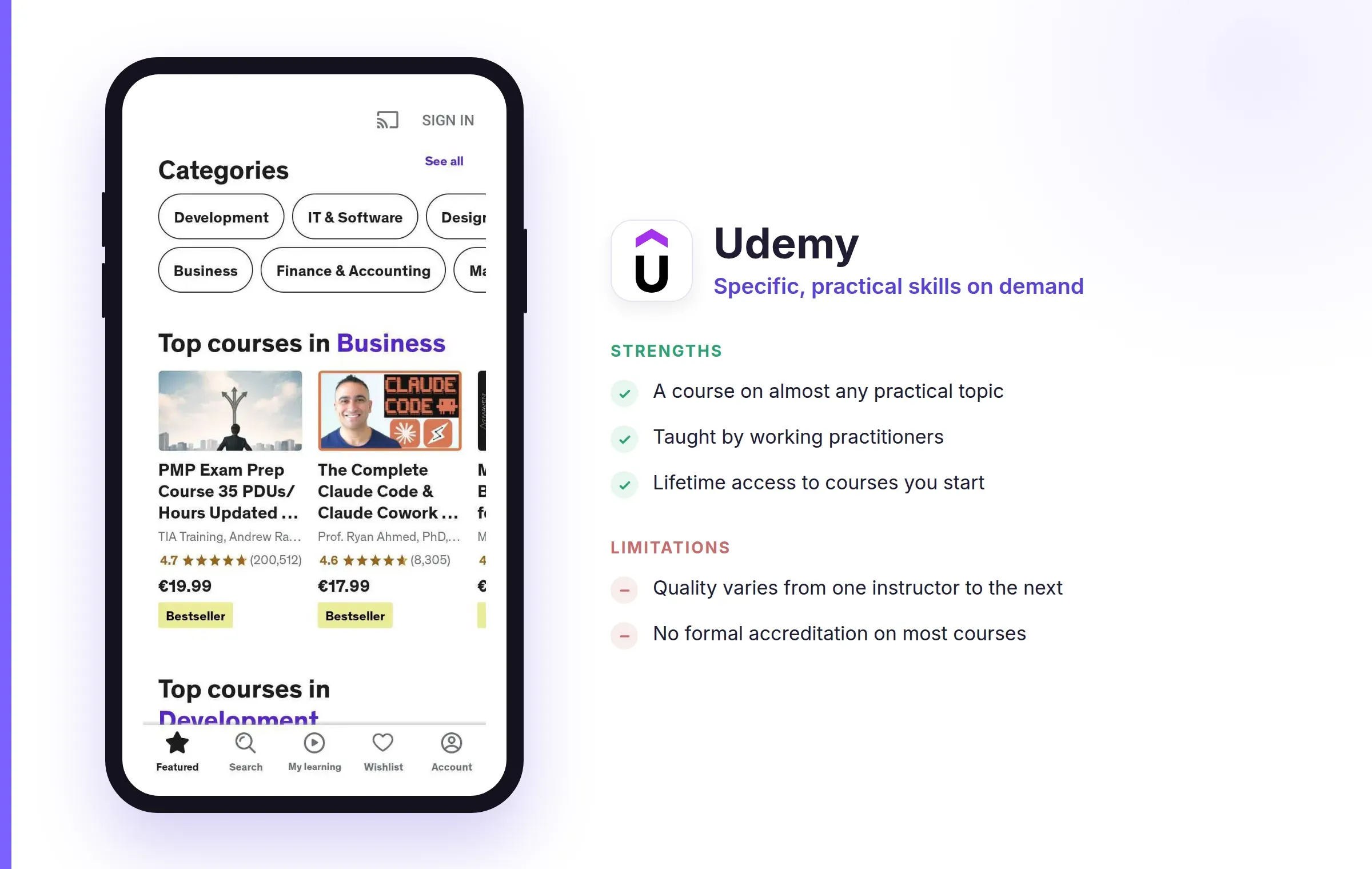
Udemy is an open marketplace with a course on nearly any practical topic you can name, from spreadsheet formulas to guitar to video editing. Because anyone can teach, you can almost always find something narrow and hands-on, taught by someone who does the work. That openness is also its catch, since quality depends on the individual instructor. Prices swing a lot, so it's worth waiting for one of the regular sales.
Strengths:
Limitations:
App Store (4.7 ⭐) · Google Play (4.6 ⭐)
Price: 7-day free trial, then Premium at about $149 a year (around $12.49 a month on the annual plan). There's no free tier beyond the trial.
Best for: anyone who wants to understand quantitative subjects by solving problems, not watching lectures.
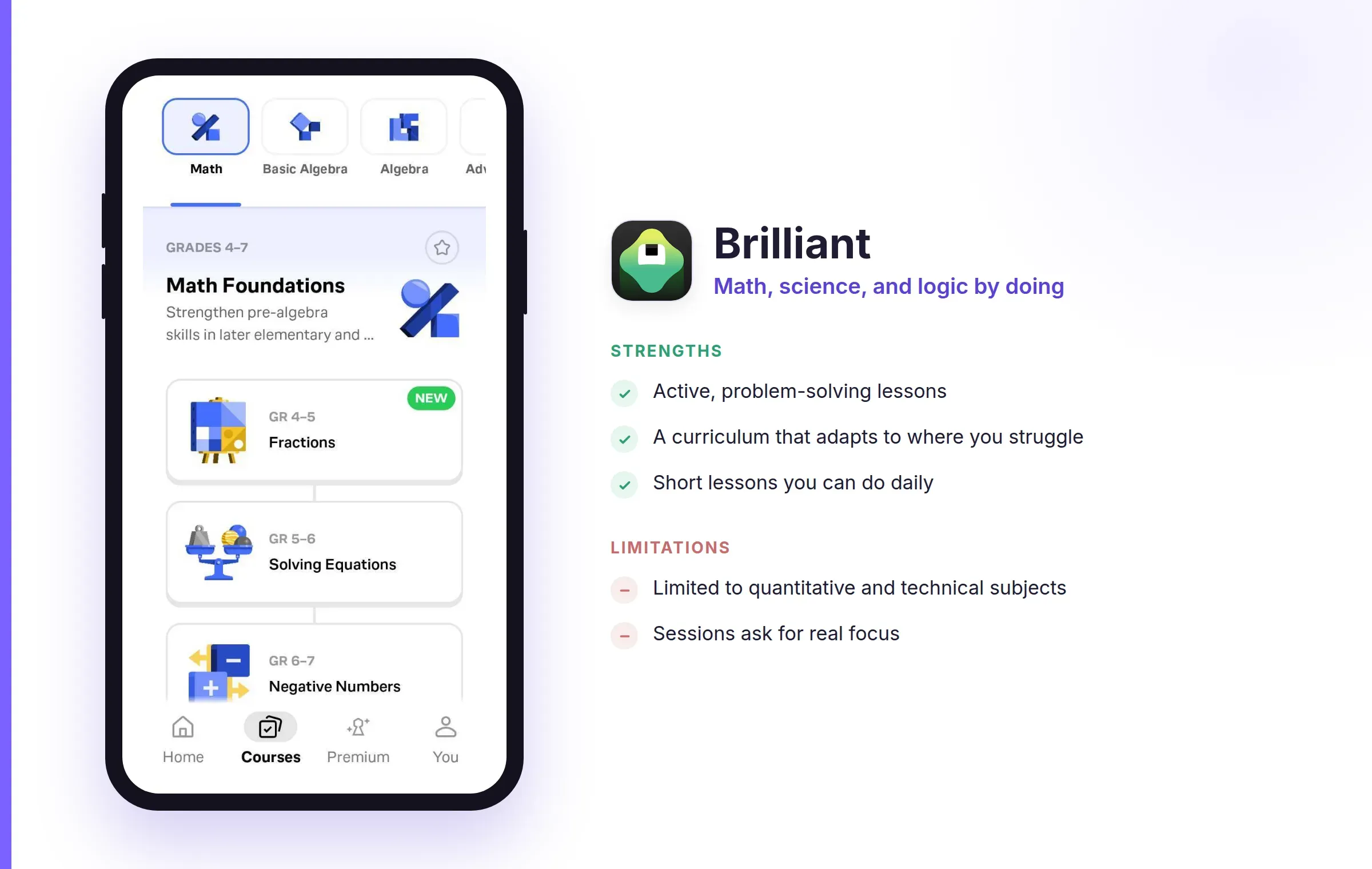
Brilliant teaches math, science, computer science, and data through interactive problems you work through step by step, with the app reacting to where you get stuck. It's one of the most active, hands-on apps on this list, and it suits building reasoning skills in short sittings. Most of it sits behind the subscription, so the free trial is the way to see if it fits.
Strengths:
Limitations:
App Store (4.8 ⭐) · Google Play (4.3 ⭐)
Price: Membership is about $14 a month billed annually (around $168 a year). A free trial is offered at times; there's no lasting free tier.
Best for: creative learners who want to build something while they learn it.
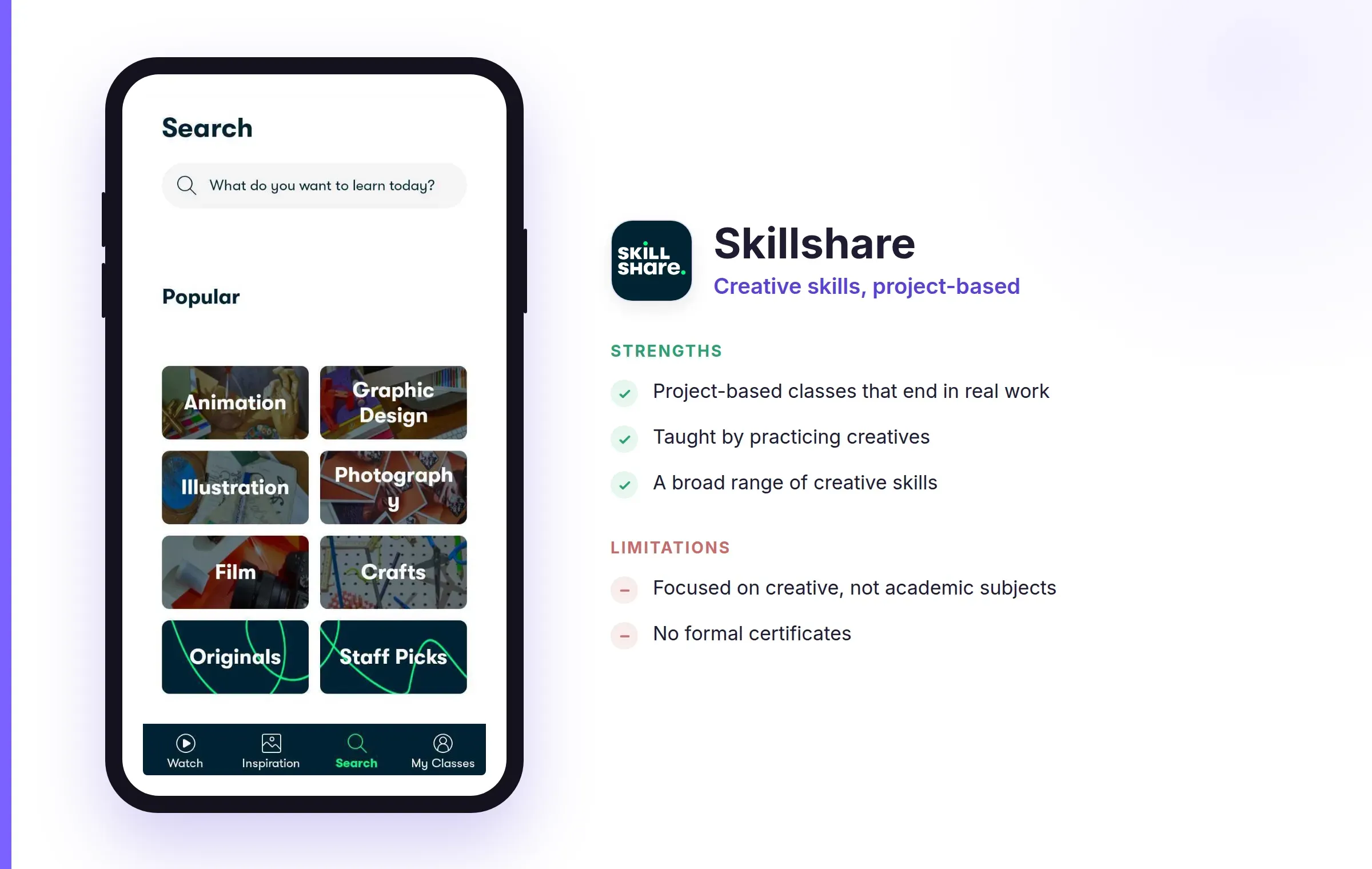
Skillshare is built around projects. Classes in illustration, photography, writing, design, and video are taught by working creatives, and each is centered on making something rather than passing a test. If you learn best by producing a real piece of work, this is the format that fits. Access is membership-based, so it's best once you know you'll take more than one class.
Strengths:
Limitations:
App Store (4.8 ⭐) · Google Play (4.6 ⭐)
Price: One free summary a day. Premium is about $100 a year, with a 7-day free trial.
Best for: curious readers who want the core of a nonfiction book without reading the whole thing.
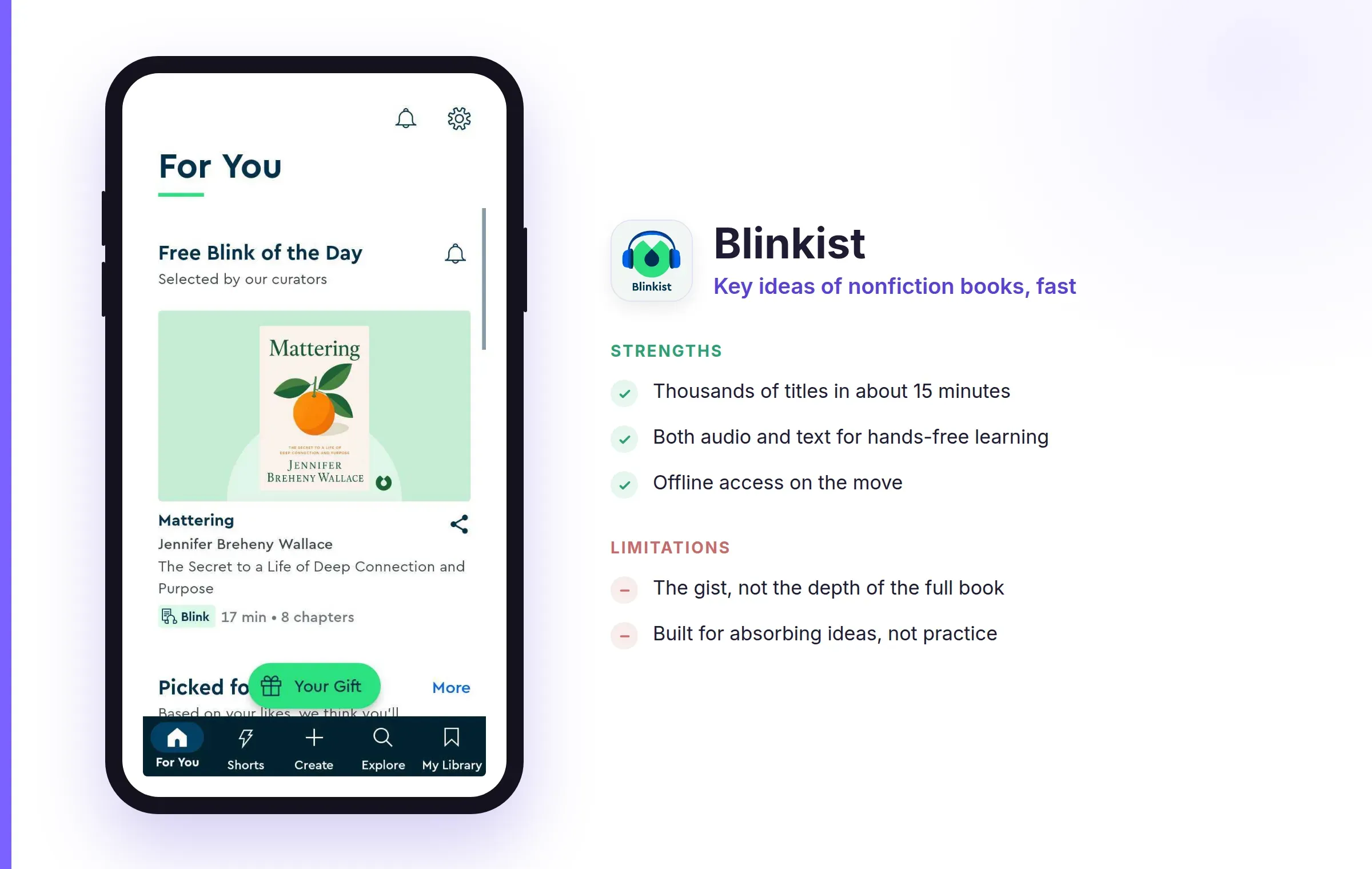
Blinkist condenses thousands of nonfiction books into roughly fifteen-minute reads or listens. It's a quick way to decide whether a book is worth your full attention, or to get an author's main argument in a single sitting. The free tier gives you one pre-chosen summary a day, and Premium opens the whole library. If short lessons are what you're after more broadly, our roundup of microlearning apps covers this whole category in depth.
Strengths:
Limitations:
App Store (4.8 ⭐) · Google Play (4.6 ⭐)
Price: Free with ads and a wide set of lessons. Pro runs from about $6 to $13 a month depending on the plan, and removes ads and unlocks everything.
Best for: beginners who want to start coding in short, daily sessions.
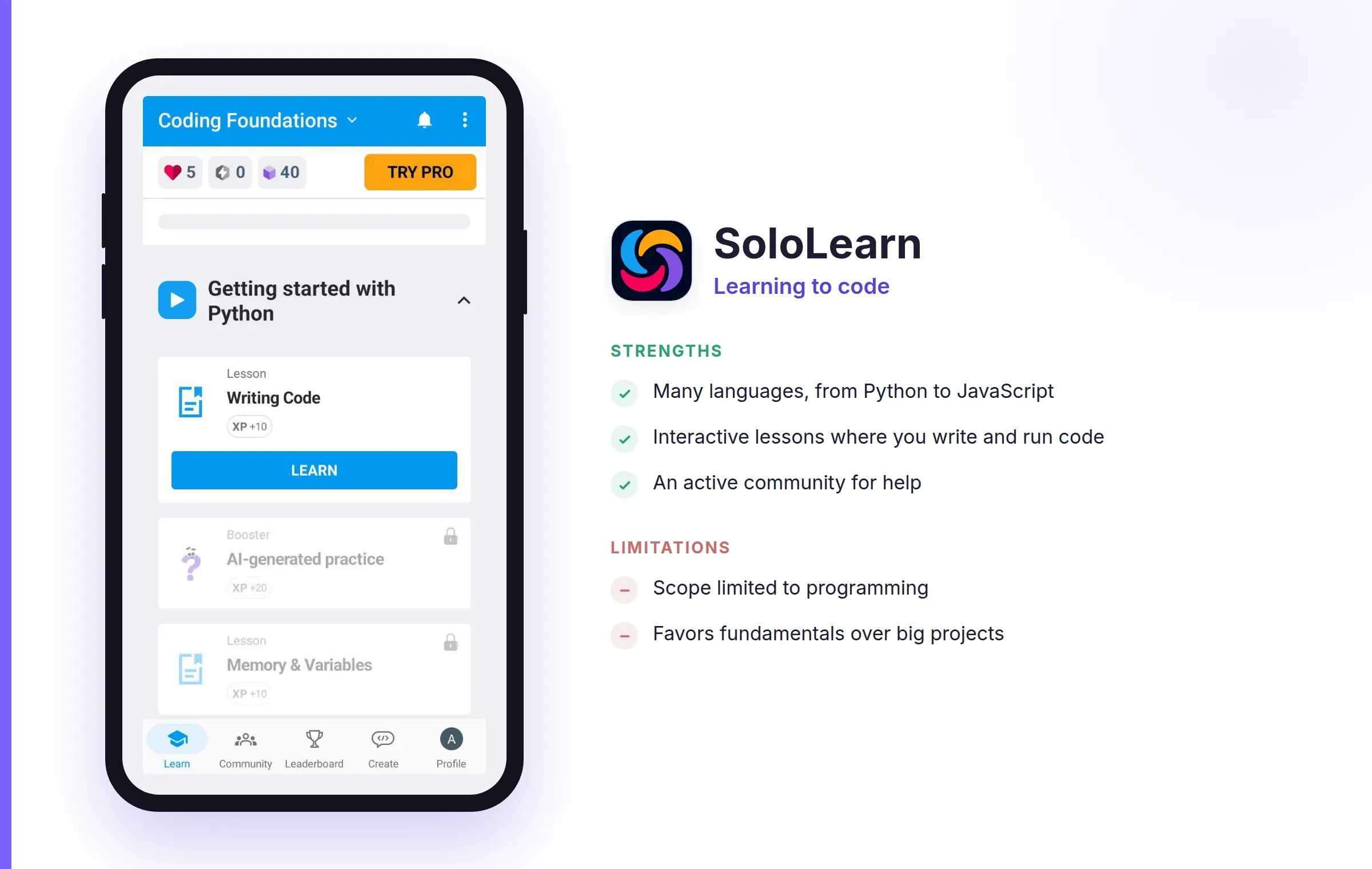
SoloLearn teaches programming through bite-sized, game-like lessons across many languages, from Python to JavaScript, with a built-in community to ask questions. You write and run small pieces of code as you go, so you're doing rather than only reading, which makes it a friendly on-ramp for a first-time coder. The free tier covers a lot of ground before you reach anything paid.
Strengths:
Limitations:
All ratings were checked on the US App Store and Google Play in September 2026, and prices in October 2026. Both shift over time and can vary by platform and promotion, so treat these as a snapshot.
| App | Best for | Price | Rating (iOS / Play) | Watch-outs |
|---|---|---|---|---|
| RiseGuide | Practical skills, incl. communication | From $19.99 / 4 wks | 4.6 / 4.2 | Focused catalog; built for structured learners |
| Duolingo | Learning a language | Free; Super ~$12.99/mo | 4.7 / 4.7 | Recognition over real conversation; languages only |
| Khan Academy | Academic subjects | Free | 4.6 / 4.2 | Strongest in math; school-style |
| Coursera | University courses + certificates | Audit free; Plus ~$399/yr | 4.8 / 4.5 | Long courses; certificates cost more |
| Udemy | Specific, practical skills | ~$10–$200 per course | 4.7 / 4.6 | Quality varies by instructor |
| Brilliant | Math, science, logic by doing | ~$149/yr after trial | 4.7 / 4.6 | Paid after trial; STEM only |
| Skillshare | Creative skills, project-based | ~$168/yr | 4.8 / 4.3 | Membership only; no certificates |
| Blinkist | Nonfiction book ideas, fast | ~$100/yr | 4.8 / 4.6 | The gist, not the depth |
| SoloLearn | Learning to code | Free; Pro ~$6–$13/mo | 4.8 / 4.6 | Programming only; fundamentals first |
There's no single winner, because these apps are good at different things, and because some are free while others ask for a subscription. For a language, Duolingo is the simplest place to start and costs nothing to learn on. For academic subjects, Khan Academy is thorough, free, and open to anyone. For structured courses with a certificate, Coursera fits, and for one narrow practical skill, Udemy almost always has it. Brilliant and SoloLearn are the two that make you solve problems as you learn, and Skillshare is the one to reach for when you want to make something creative. Blinkist suits you when you want the idea of a book rather than the book.
If you want to build a practical skill and actually practice it rather than just read about it, that's what RiseGuide is organized around: expert-based journeys with short daily lessons and tools to practice, currently in communication and thinking skills. If you're weighing up broader personal-growth tools too, our roundup of self-improvement apps is a good next read.
Among the best learning apps here, the right one is simply the one that fits what you're trying to learn and that you'll keep using. Check the free tier first, then start with the one that matches your goal.
It depends on what you want to learn, but five that cover the most common goals are Duolingo for languages, Khan Academy for school subjects, Coursera for university courses, Brilliant for math and science, and RiseGuide for communication and people skills. Duolingo and Khan Academy, along with the free tiers generally, let you start without paying.
For a practical, specific skill, Udemy almost always has a course on it, and Skillshare is strong for creative skills you learn by making something. For a people skill like communication, RiseGuide is built around structured practice rather than just explanation. The best fit is the app whose format matches the skill: solving problems, following a course, or practicing out loud.
Nothing is simply "better," since Duolingo is hard to beat for building a daily language habit for free. If you want more real conversation practice you'll likely pair it with speaking practice elsewhere, and if you want to learn something other than a language, the right pick is a different kind of app altogether, like Khan Academy for academics or Brilliant for math.
For many people, yes. Khan Academy is completely free, and Duolingo and SoloLearn have free tiers you can learn on for a long time before hitting anything paid. Coursera lets you audit many courses for free if you don't need the certificate. The apps where the free option is more of a sample are Brilliant, Skillshare, and Blinkist.
They can, and it depends on how the app teaches. The methods with the strongest research behind them are testing yourself and spacing your practice out over time; the Association for Psychological Science rated those two as the most effective of ten common study techniques. Apps that quiz you, make you solve a problem, or have you practice a skill tend to help you remember more than ones that only play videos.
Some of these offer one and some don't. Coursera is the main one here built around recognized certificates from universities and companies, and Udemy gives a completion certificate for its courses. Khan Academy, Duolingo, Brilliant, Skillshare, Blinkist, and RiseGuide are built for learning rather than formal credentials.