RiseGuide Team
To make a vision board, get clear on what you actually want, gather images and words that stand for those goals, and arrange them on a board you'll see every day. Pick a format that fits you (a physical poster or corkboard, or a digital board on your phone or in Canva), choose pictures and short phrases for each area of life you care about, and leave room to add to it over time. Don't forget to tie each picture to a real goal and a first action, so the board points you toward what to do, not just what to wish for.
A vision board is one of the most common ways people set intentions at the start of a year, a new job, or any fresh chapter. The idea is simple: put the things you want to work toward where you can see them. What's less obvious is why some boards sit untouched on a wall for months while others help. The difference comes down to how you make it and what you do with it afterward. This guide covers how to make a vision board step by step, what to put on it, ideas and examples for every area of life, and a free template to get you started.
A vision board is a collage of images, words, and reminders that represent what you want your life to look like. People use them for goals like a career change, a home, better health, more travel, stronger relationships, or a certain feeling they want more of. You can make a physical one on a corkboard or poster, or a digital vision board on your phone, laptop, or a tool like Canva or Pinterest.
The honest answer to "do they work?" is that a board by itself won't make anything happen. Used well, though, it does two useful things:
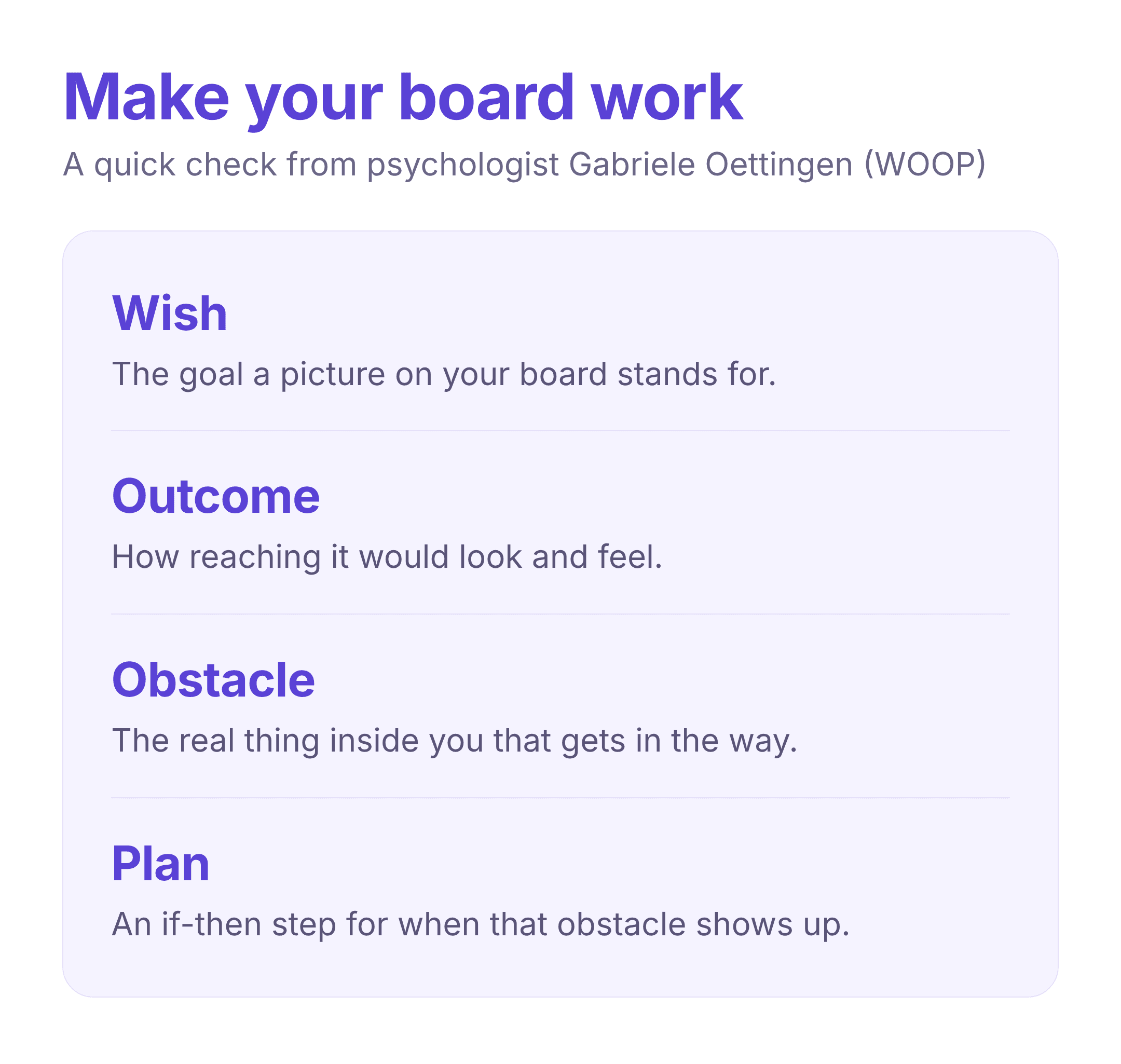
Research on visualization points to a specific version of this. In a 1999 study, students who pictured the process of studying, the act of sitting down and working through the material, studied more and scored higher than students who only pictured the outcome they wanted, like a top grade. Picturing the result alone did little, and in some cases left people less motivated. Psychologist Gabriele Oettingen found something similar with her WOOP method (wish, outcome, obstacle, plan): dreaming about a goal is a fine start, but you get further when you also face the obstacle in your way and plan for it.
"The solution isn't to do away with dreaming and positive thinking. Rather, it's making the most of our fantasies by brushing them up against the very thing most of us are taught to ignore or diminish: the obstacles that stand in our way."
Gabriele Oettingen, Rethinking Positive Thinking
So the most useful vision board pairs a picture of where you want to go with the steps that get you there. Keep that in mind as you build yours.
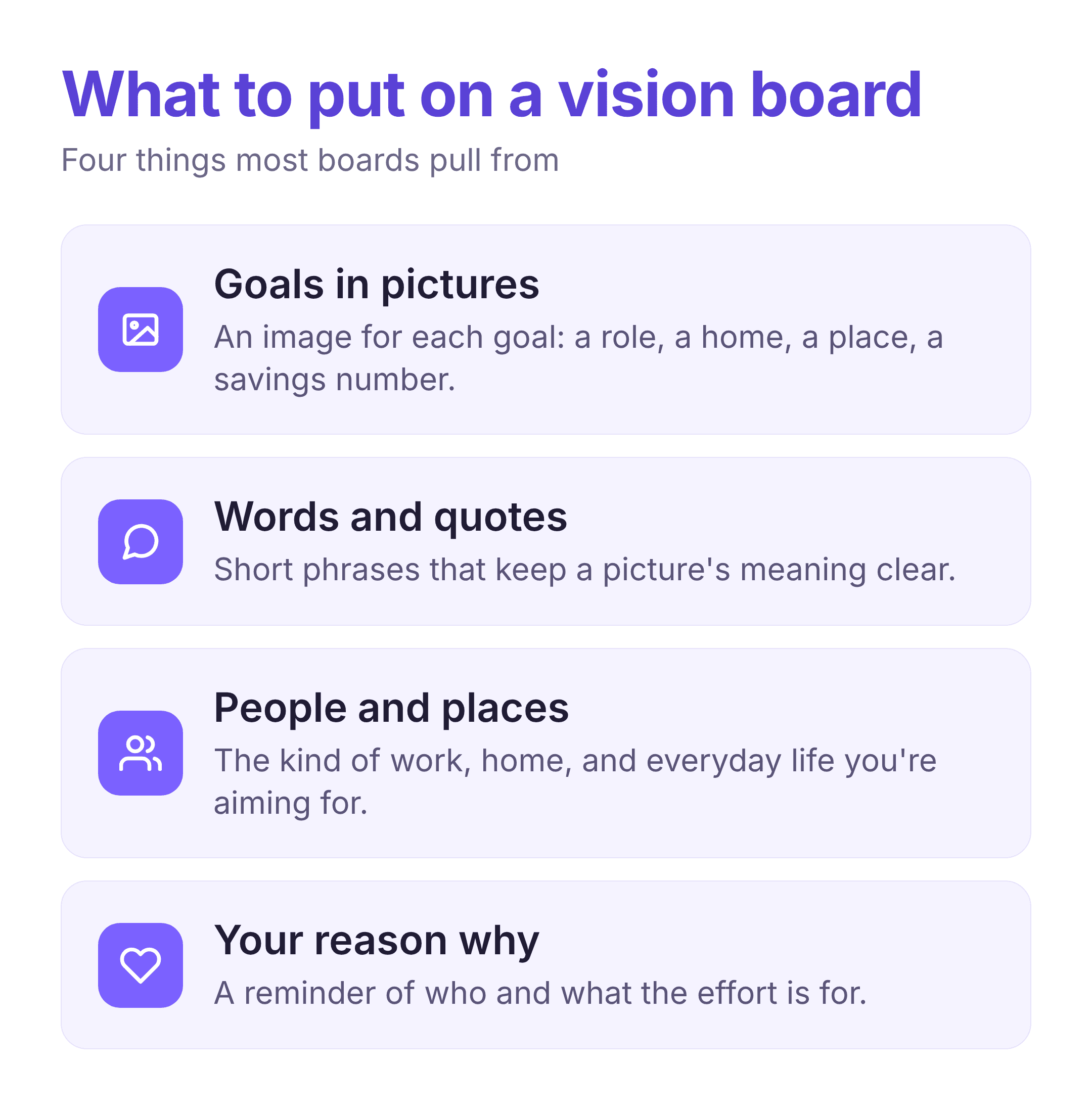
Start with what you want, then find images and words to match it. Most boards pull from a handful of areas: the goals and milestones you're working toward (a role, a place to live, a savings number, a race to run), the people and places that show the kind of life you're aiming for, and a reminder or two of why it matters to you. For each one, pick a picture that stands for it clearly. You can cut images from magazines, print vision board pictures you find online, or save them to a folder on your phone.
Words matter as much as pictures. A photo can mean ten different things, so a few short phrases keep the meaning clear. This is where vision board quotes and single words help: "calm," "consistent," "finish the book," or a line that sums up how you want to feel. If you're not sure what to put on a vision board, start with the areas of life you think about most and work outward from there.
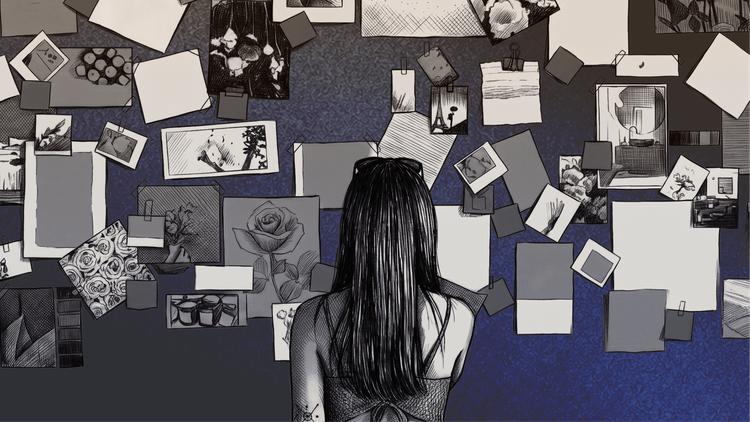
Getting clear on your goals before you gather images keeps the board focused instead of random. Here's how to make a vision board from start to finish.
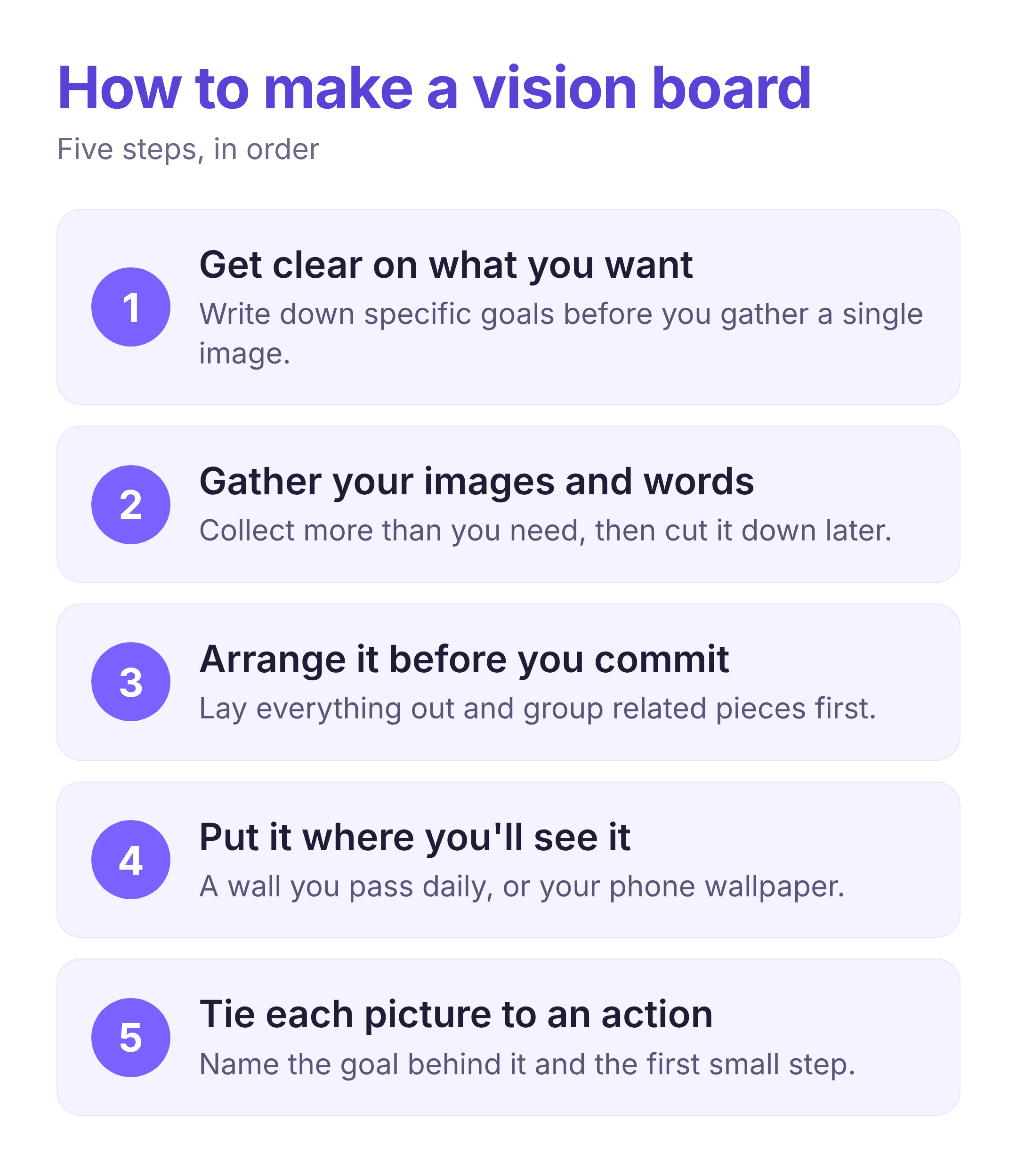
Before you touch any images, write down what you actually want over the next year or so, across the areas that matter to you — work, health, relationships, money, home, how you spend your time. Be specific. "Travel more" is vague; "two trips this year, one of them abroad" gives you something to picture. If you want help turning fuzzy wishes into something concrete, our post on writing a mission statement is a good place to start, and so is our team's roundup of goal-setting apps.
Collect more than you need, then cut it down. For a physical board, you'll want some vision board supplies: a corkboard, poster board, or large sheet of paper, plus magazines, printed photos, scissors, glue or tape, and a few markers. For a digital board, save images to a folder or pin them to a Pinterest board as you go. Don't overthink it at this stage — gather anything that feels right, and edit later.
Lay everything out before you glue or paste anything down. Group related images together — career in one area, health in another — or arrange them around a single word or photo in the center. Leave some empty space so the board doesn't feel crowded, and so you can add to it later.
A vision board only works if it's in view. Hang a physical board somewhere you pass every day — above a desk, on a bedroom wall, inside a closet door. For a digital vision board, set it as your phone or laptop wallpaper so it shows up without any effort.
This is the step that turns a nice collage into something useful, and it's the one most people skip. For each image, name the goal behind it and the next small action you can take toward it. A photo of a tidy home becomes "declutter one drawer this weekend." A picture of a finish line becomes "sign up for the race and run twice this week." This is the plan part of Oettingen's WOOP, and it matches the research on process visualization, which points to picturing the steps you'll take as much as the result you want. Building a small habit around each goal is what keeps the board alive, and our team's roundup of habit-tracking apps can help you track those actions.
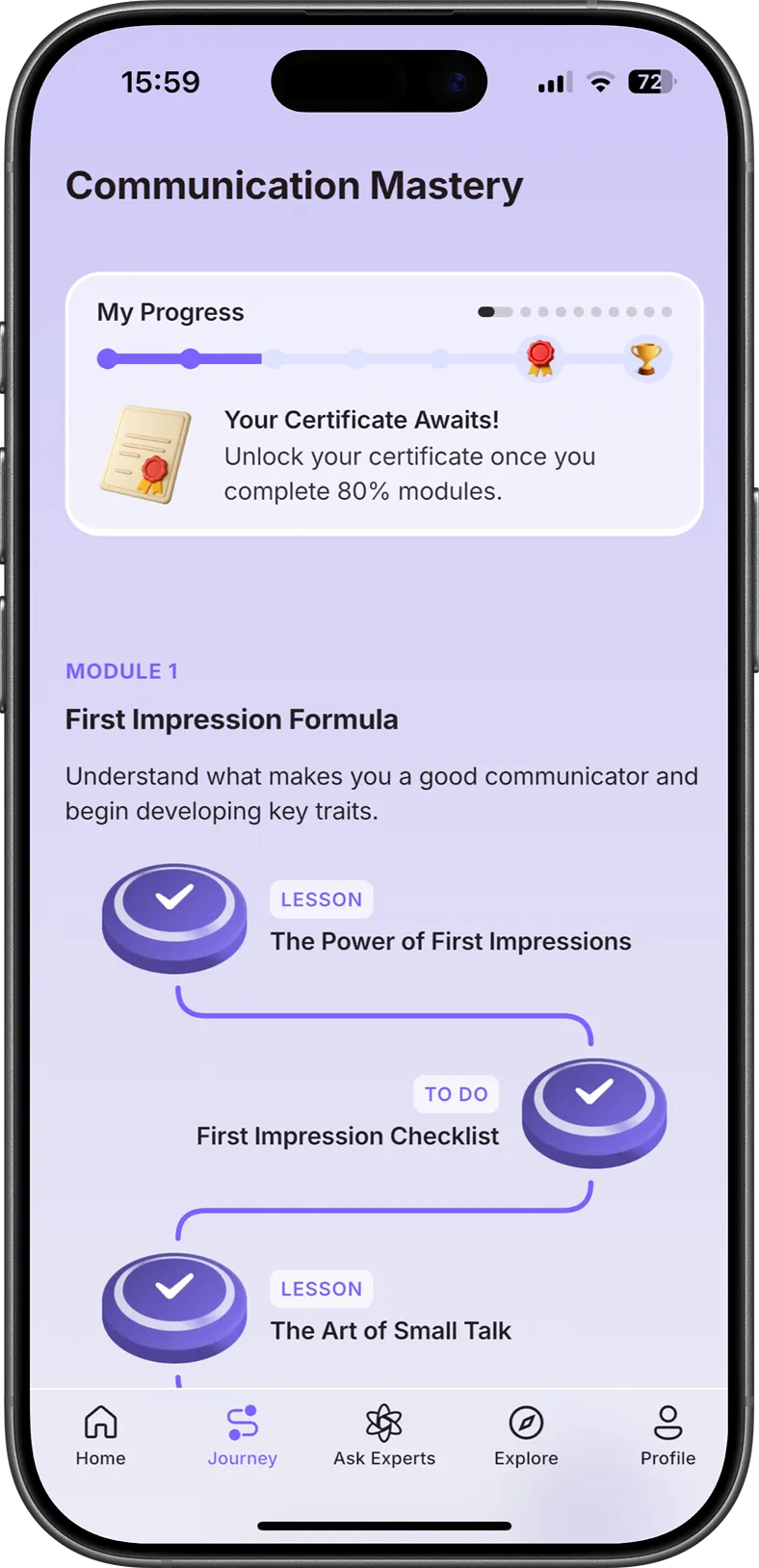
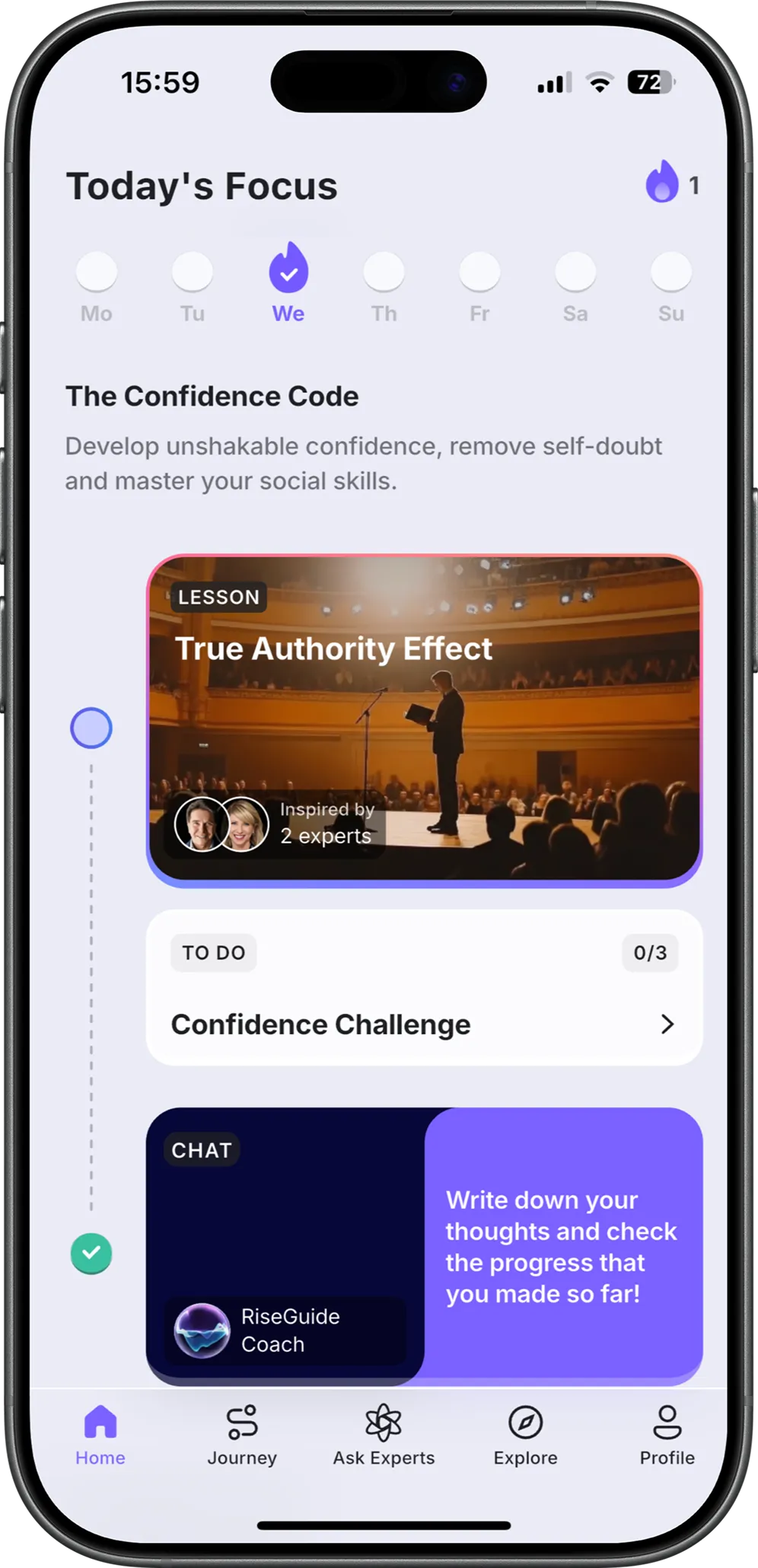
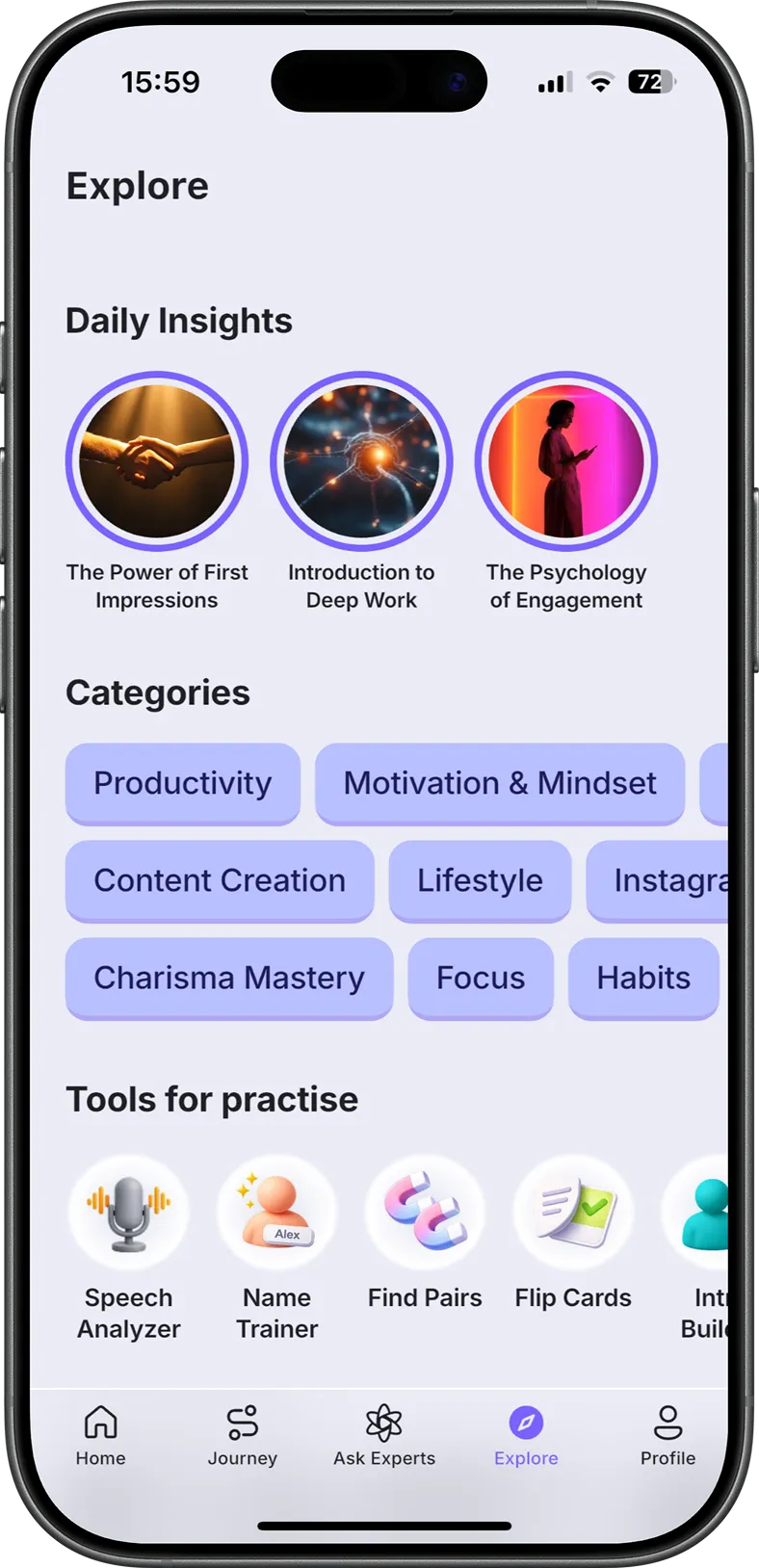
If one of your goals is a skill you want to build, like speaking up more clearly, staying disciplined, or thinking through decisions, a vision board can point at it, but you still have to practice it. That's where RiseGuide can help: you pick a structured journey, like its flagship Communication Mastery journey, and work through short, 15-minute lessons built from expert insights, a few minutes at a time. The board keeps the goal in view; the lessons give you something to practice.
The best option is the one you'll keep looking at. A physical board is tactile and sits in your space; a digital vision board travels with you and is easy to change. Many people keep both — a poster at home and a matching wallpaper on their phone.
| Aspect | Physical vision board | Digital vision board |
|---|---|---|
| Best for | People who like making things by hand and want it in their space | People who are often on their phone or laptop and want it with them |
| What you need | A board or paper, magazines or printed photos, scissors, glue, markers | A free tool like Canva or Pinterest, or your phone's photo app |
| Where you see it | On a wall, desk, or door you pass every day | As a phone or laptop wallpaper, or a saved board |
| Updating it | Slower — you cut and paste new pieces | Quick — swap images in a few taps |
| Watch out for | Can gather dust once it blends into the room | Easy to forget if it's buried in an app |
If you're staring at a blank board, it helps to see what other people put on theirs. Here are vision board ideas by area of life, with examples you can borrow or adapt:
As for formats, people make all kinds: a one-year board for the months ahead, a longer five-year board, a digital board set as a phone wallpaper, a themed board for a single goal like a wedding or a move, or a shared board made with family or friends. There's no single right vision board example. The best one is the one that fits how you think and where you'll see it.
If you'd rather not start from a blank page, use our free vision board template. It's a printable kit you can fill in by hand or on screen: a board layout divided by area of life, a short worksheet that turns each picture into a goal and a first step, and a set of word and quote cards you can cut out and add to your board. Print it for a physical board, or open it on a tablet for a digital one.
Download a vision board template kit
A vision board loses its pull the moment it blends into the background. To keep it working, look at it on purpose, not just in passing. Once a week, spend a few minutes checking in: which goals are moving, which first steps you took, and what's getting in the way. Naming the obstacle, as Oettingen suggests, is a good use of a short self-check, and our team's guide to self-reflection has prompts you can use.
Update the board as your goals change. Swap out images you've outgrown, add new ones, and move on from goals you've reached. A board that stays fixed for a year has usually stopped matching your real life.
Making a vision board is quick; making one that changes anything takes a little more. Get clear on what you want, choose images and words that stand for it, put the board where you'll see it, and tie each picture to a real next step. Whether you go with paper and glue or a board on your phone, the point is the same: keep your goals in front of you, and keep taking small actions toward them. Start with the free template above, and build the board that fits your year.
Whatever represents the life you're working toward: images of your goals, a few words or quotes that keep their meaning clear, and reminders of why they matter. Focus on the areas of life you think about most, and leave room to add more later.
There's no official set, but a simple way to divide a board is by the main areas of life: career and money, health, relationships, personal growth, and how you want to feel. Some people add travel, home, or one big goal. Pick the categories that match what you want this year.
For a physical board: a corkboard, poster board, or large sheet of paper, plus magazines or printed photos, scissors, glue or tape, and markers. For a digital vision board, you only need your phone or a free tool like Canva. The vision board supplies you choose matter less than putting the board somewhere you'll see it.
On their own, no. A board doesn't make goals happen. What helps is using it to clarify what you want and then pairing each image with a real plan and daily action. A goal setting vision board that points you toward specific next steps works far better than a collage of wishes.
Pick a tool like Canva, Pinterest, or your phone's photo app, gather images and words that match your goals, arrange them on one screen, and set it as your wallpaper so you see it often. A digital vision board is easy to update as your goals change.