RiseGuide Team

The best journaling apps in 2026 are Day One (best all-rounder for Apple users), Journey (best for using any device), Daylio (best for mood tracking with little typing), Stoic (best for guided morning and evening reflection), Apple Journal (best free, built-in option for iPhone), Penzu (best private web diary), Diarium (best for Windows and pulling everything into one place), Grid Diary (best for templated, question-based journaling), and Reflection (best AI journaling app for spotting patterns). To choose, start with the devices you use and the kind of journaling you want, whether that is free writing, quick mood logging, or guided prompts.
A journaling app makes it easier to keep the habit, because your journal is always in your pocket, backed up, and ready with a prompt when you do not know what to write. The hard part is that there are a lot of them, and they are built for very different kinds of journaling. This guide walks through nine of the best journaling apps, what each one is best for, and how to pick.
Before the list, it helps to know what actually separates one journaling app from another, so you can match one to how you want to write.
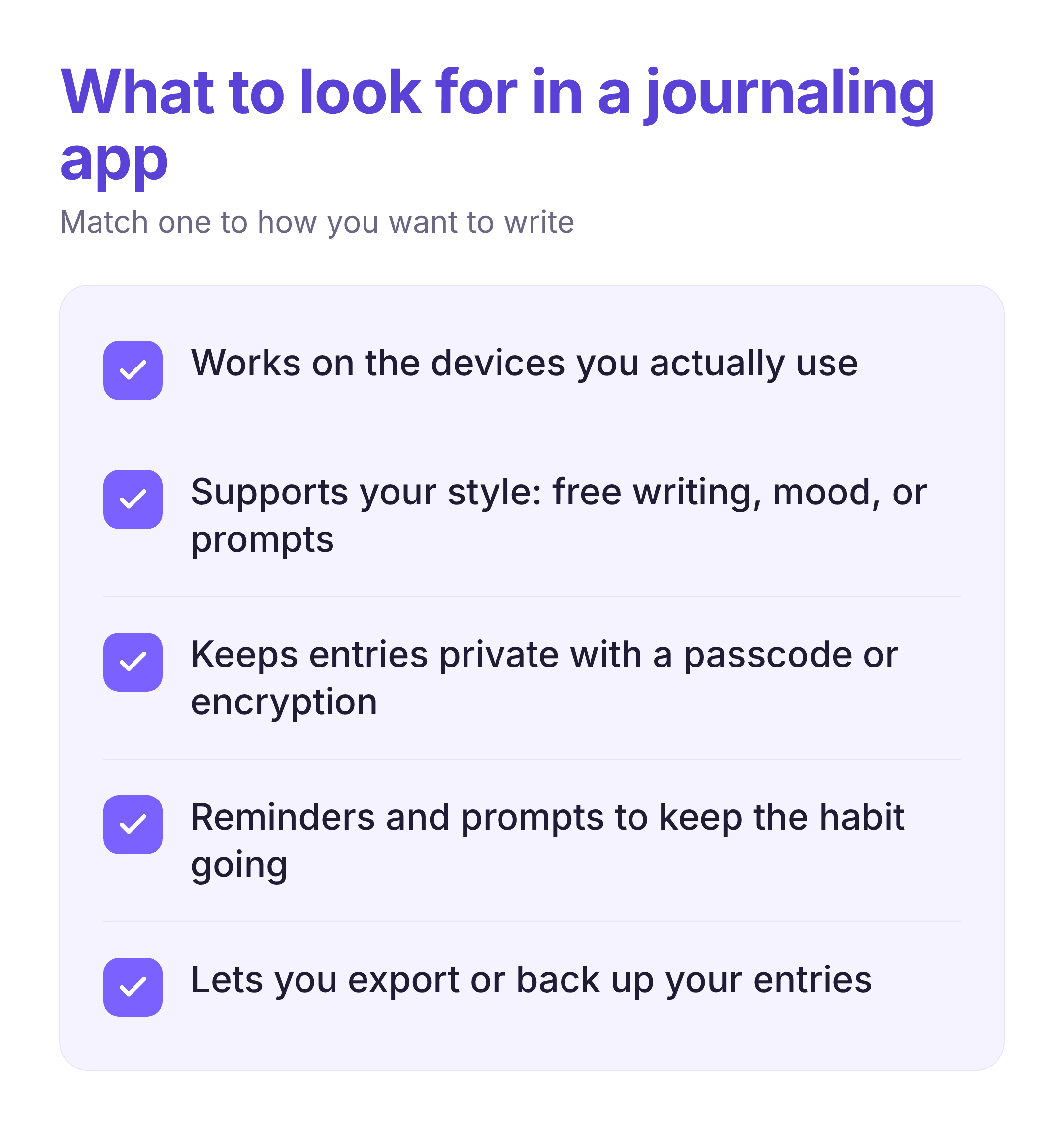
The main things to weigh are the devices it runs on, so your journal is there whether you use an iPhone, an Android phone, or a Windows PC; the style of journaling it supports, from free-form writing to quick mood logging to guided prompts; privacy features like encryption and a passcode, since a journal is personal; reminders and prompts that help you keep the habit going; and export or backup options, so your entries stay yours if you ever switch apps. Keeping those in mind, here are the picks.
Day One is the most polished journaling app around, and it is the one most people mean when they talk about the Day One journaling app. It handles daily writing, photos, and videos well, and it adds context like location and weather to each entry automatically.
Strengths:
Limitations:
Platforms: iOS, macOS, Android, Windows, Apple Watch
Journey covers the widest range of platforms, so it is the natural pick if you move between, say, an Android phone and a Windows laptop. The writing space is simpler than Day One's, which some people prefer.
Strengths:
Limitations:
Platforms: Web, iOS, Android, macOS, Windows, Linux
Daylio is for people who want the benefits of journaling without writing much. You log your mood and activities with a few taps, and over time it shows patterns in what lifts or drains you.
Strengths:
Limitations:
Platforms: iOS, Android
Stoic gives your day a structure, with a morning setup and an evening reflection. Its prompts draw on Stoic philosophy, cognitive behavioral therapy, and positive psychology, and it adds mood tracking and short breathing exercises.
Strengths:
Limitations:
Platforms: iOS, macOS, Android
Apple Journal is a free journaling app built into the iPhone, which makes it the easiest place to start if you are in the Apple world. It keeps things simple with text, photos, voice, and location, and it syncs across your Apple devices.
Strengths:
Limitations:
Platforms: iOS, macOS
Penzu has been a private online diary for years and works in any browser with nothing to install. Its focus is privacy, with options like encryption and a per-entry password.
Strengths:
Limitations:
Platforms: Web, iOS, Android
Diarium stands out for Windows users and for anyone who wants their journal to gather data from across their life. It can pull in calendar events, weather, and feeds from services like Strava, and it works without an account.
Strengths:
Limitations:
Platforms: Windows, macOS, Android, iOS
Grid Diary is built around a grid of recurring questions you answer each day, which makes it a good fit if a blank page stops you. The structure makes it easy to show up and reflect without deciding what to write.
Strengths:
Limitations:
Platforms: iOS, macOS, Android
Reflection is an AI journaling app that reads across your entries to surface patterns and writes weekly, monthly, and annual reviews for you. It can also act as a voice or text coach when you want to talk something through.
Strengths:
Limitations:
Platforms: iOS, Android, macOS, Web
| App | Best for | Platforms |
|---|---|---|
| Day One | All-round journaling for Apple users | iOS, macOS, Android, Windows |
| Journey | Using any device | Web, iOS, Android, macOS, Windows, Linux |
| Daylio | Mood tracking with little typing | iOS, Android |
| Stoic | Guided morning and evening reflection | iOS, macOS, Android |
| Apple Journal | A free, built-in iPhone option | iOS, macOS |
| Penzu | A private web diary | Web, iOS, Android |
| Diarium | Windows and gathering everything in one place | Windows, macOS, Android, iOS |
| Grid Diary | Templated, question-based journaling | iOS, macOS, Android |
| Reflection | AI pattern-spotting and reviews | iOS, Android, macOS, Web |
The best journaling app is the one you actually open, so it helps to make the habit easy from the start.
Keep sessions short at first, since a few lines a day is easier to keep up than a page. Attach journaling to something you already do, like your morning coffee, the way you would when building any routine from a habit tracker. Use the app's prompts on days you do not know what to say, and treat reflection as the point, not perfect writing. Journaling pairs well with other quiet practices too, so many people keep a mindfulness app alongside it. If you want to get more out of the writing itself, our post on self-reflection has questions and techniques to go deeper.
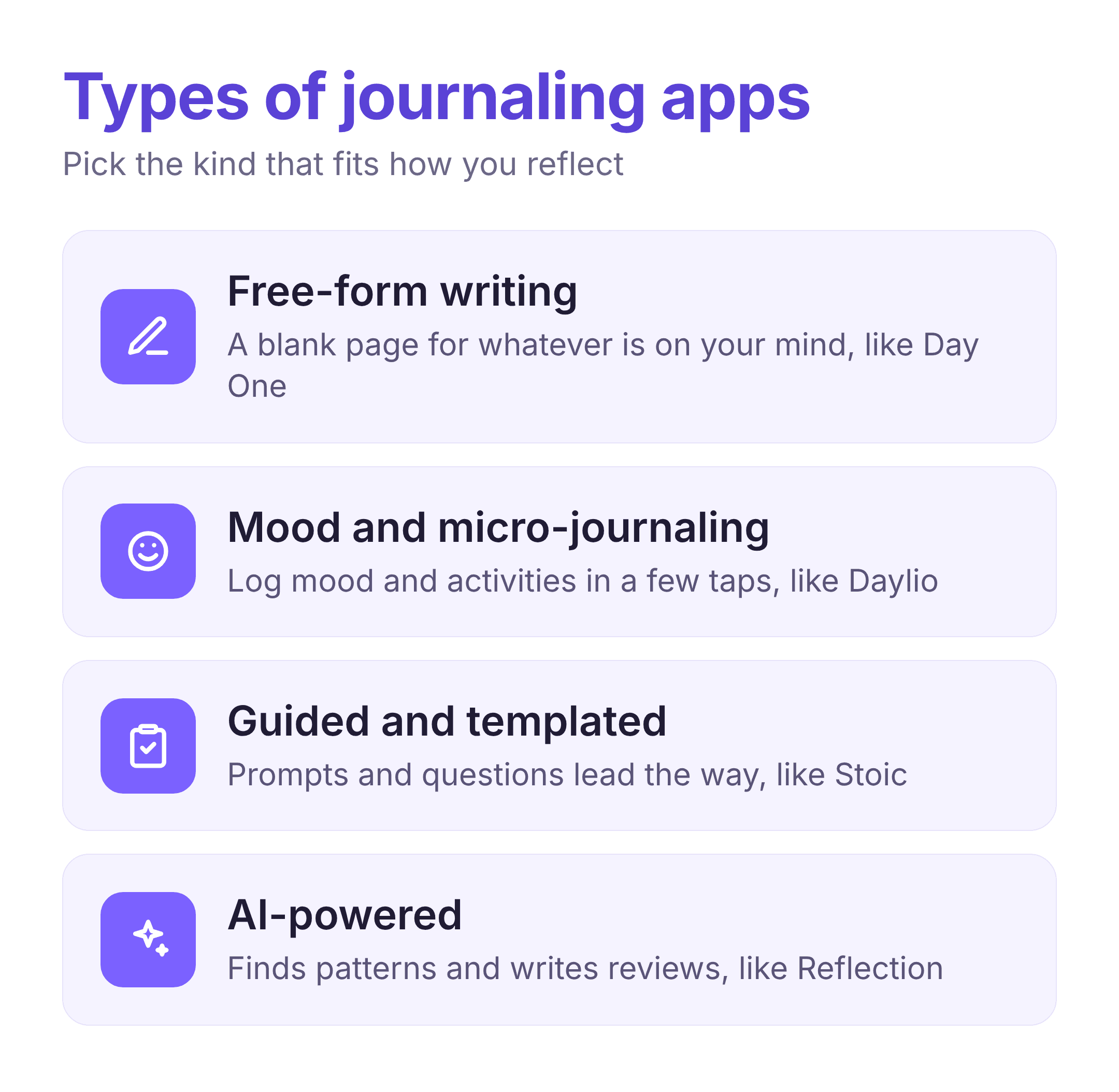
Start with where you write and how you like to reflect. If you live in the Apple world and want one polished home for everything, Day One is the easy pick, and Apple Journal is the free place to start. If you jump between platforms, Journey or Diarium will keep up. If writing a lot feels like a chore, Daylio lowers the bar to a few taps, while Stoic and Grid Diary give you structure and prompts. For a private diary in the browser, Penzu fits, and if you want help seeing patterns over time, Reflection and other AI journaling apps do that work for you.
Whichever you choose, the app is just the container. If what you really want is to build the reflection habit itself, with a little guidance along the way, a self-improvement app like RiseGuide can sit alongside your journal and help you practice thinking and self-awareness in short daily lessons.