RiseGuide Team
 FREE GUIDE with any plan: the First Impression FormulaClaim the offer
The audiobook app that fits you depends on how you listen and what each one does best. Audible has the biggest catalog. Libby lets you borrow free with a library card. Spotify suits people who already stream music. Audiobooks.com offers a big mainstream catalog. Apple Books is the simplest option for iPhone owners who buy per book. Kobo is good for owning each title you buy. Everand gives heavy listeners one flat, unlimited plan. Here's the shortlist:
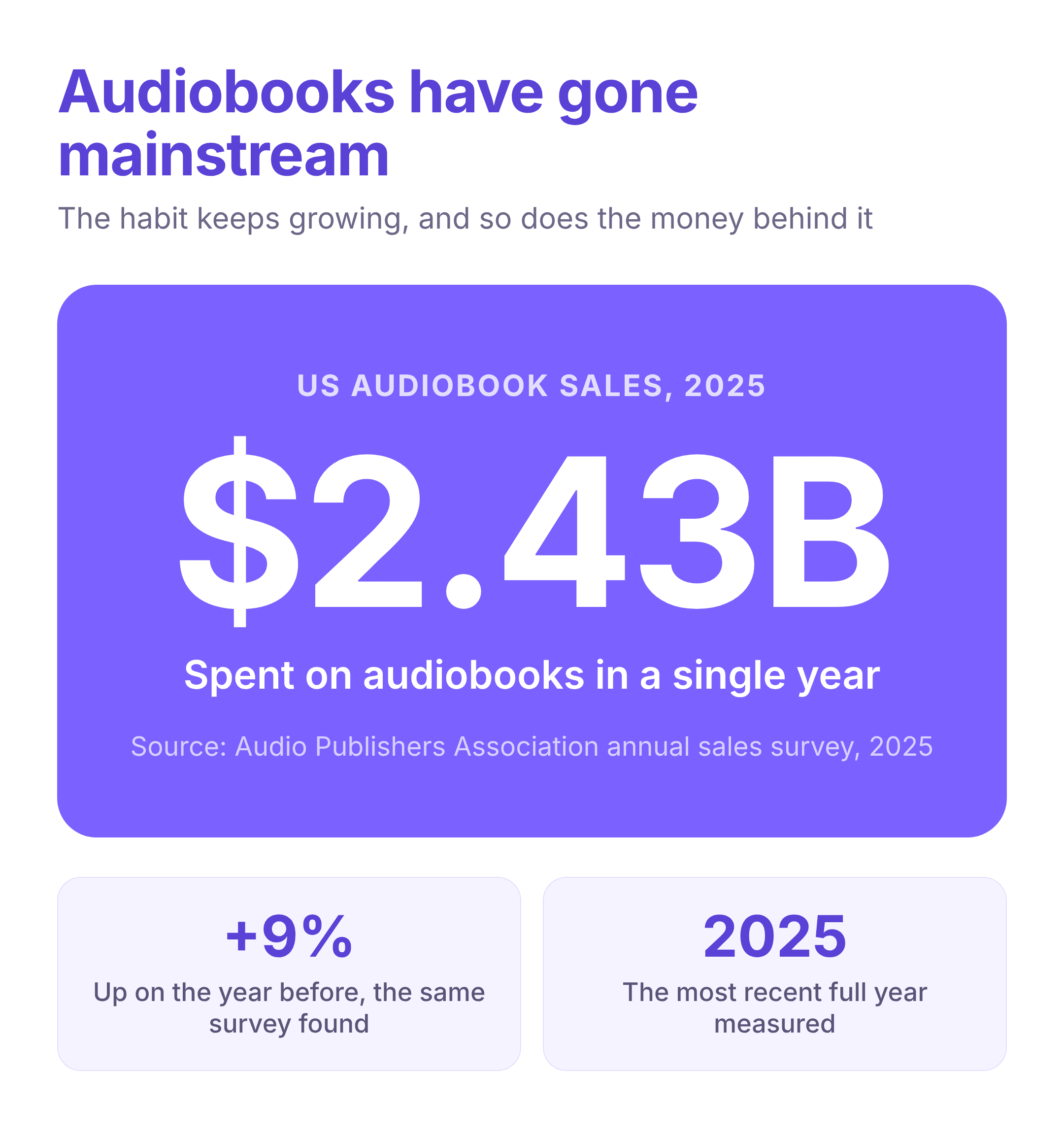
Audiobooks have gone from a niche habit to something most people have tried. Sales in the US rose 9% to $2.43 billion in 2025, and the number of apps that deliver them has grown right alongside. That is good news with a small catch: between Audible, your library's app, your music service, and a dozen others, it is hard to tell which one actually fits the way you listen.
This roundup covers the best audiobook apps you can use right now, from the biggest commercial catalogs to free library borrowing. For each one you will find its current App Store and Google Play ratings, what it does well, where it falls short, and the kind of listener it suits.
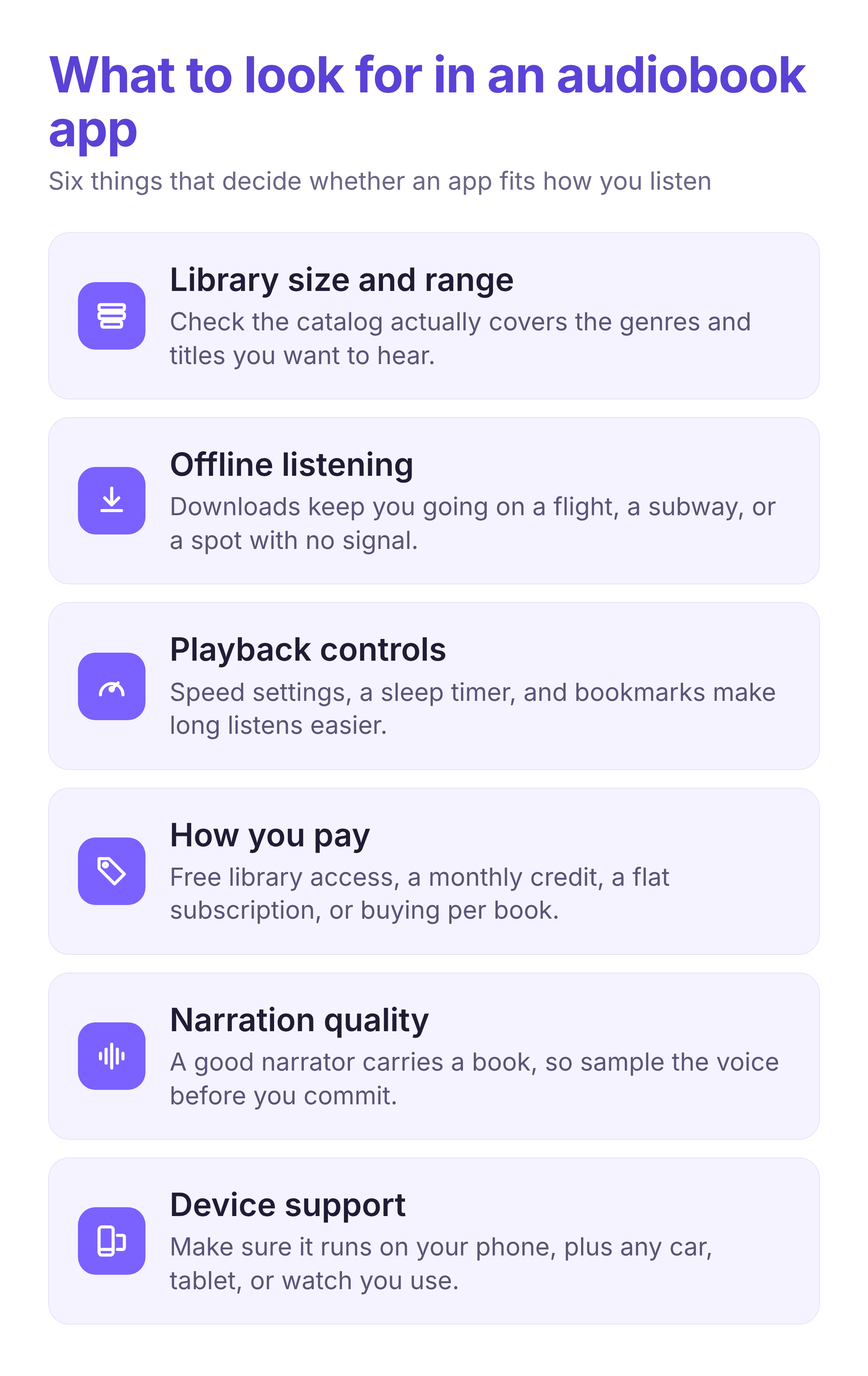
There is no single best way to listen to audiobooks. The right app depends on how much you listen, whether you want to own books or borrow them, and which devices you carry. A few things separate a good fit from a frustrating one.
The first is the library itself: a huge catalog means little if it is missing the genres and authors you care about. Next is how you pay, which ranges from free library access to a flat monthly plan to buying each title outright. Offline downloads matter if you listen on a flight or a subway, and playback tools like speed control, a sleep timer, and bookmarks make long books easier to manage. Narration quality is easy to overlook, since a weak reader can sink a good book, so it helps to sample a voice first. Finally, check that the app runs everywhere you listen, whether that is a phone, a car, a tablet, or a watch.
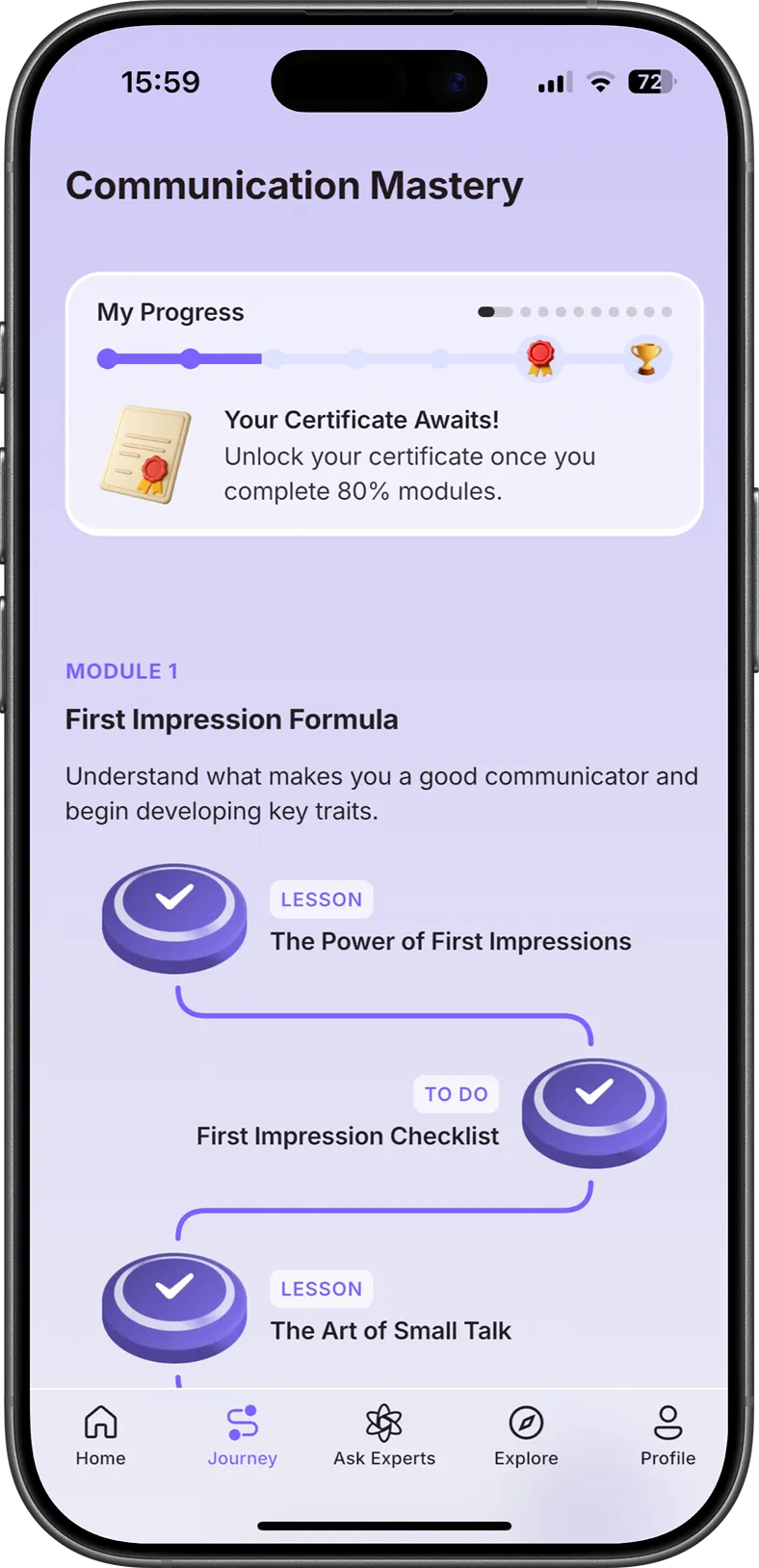
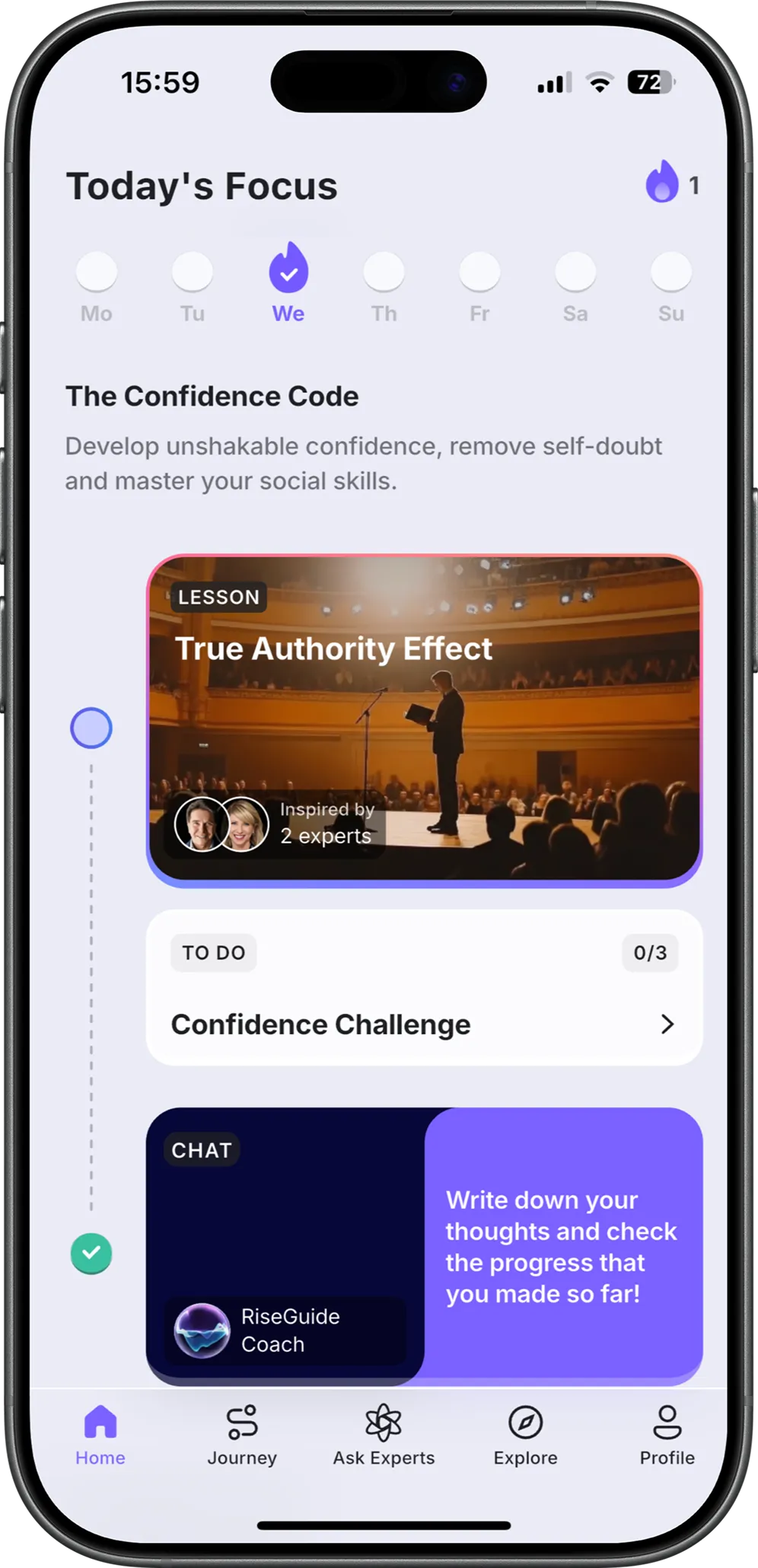
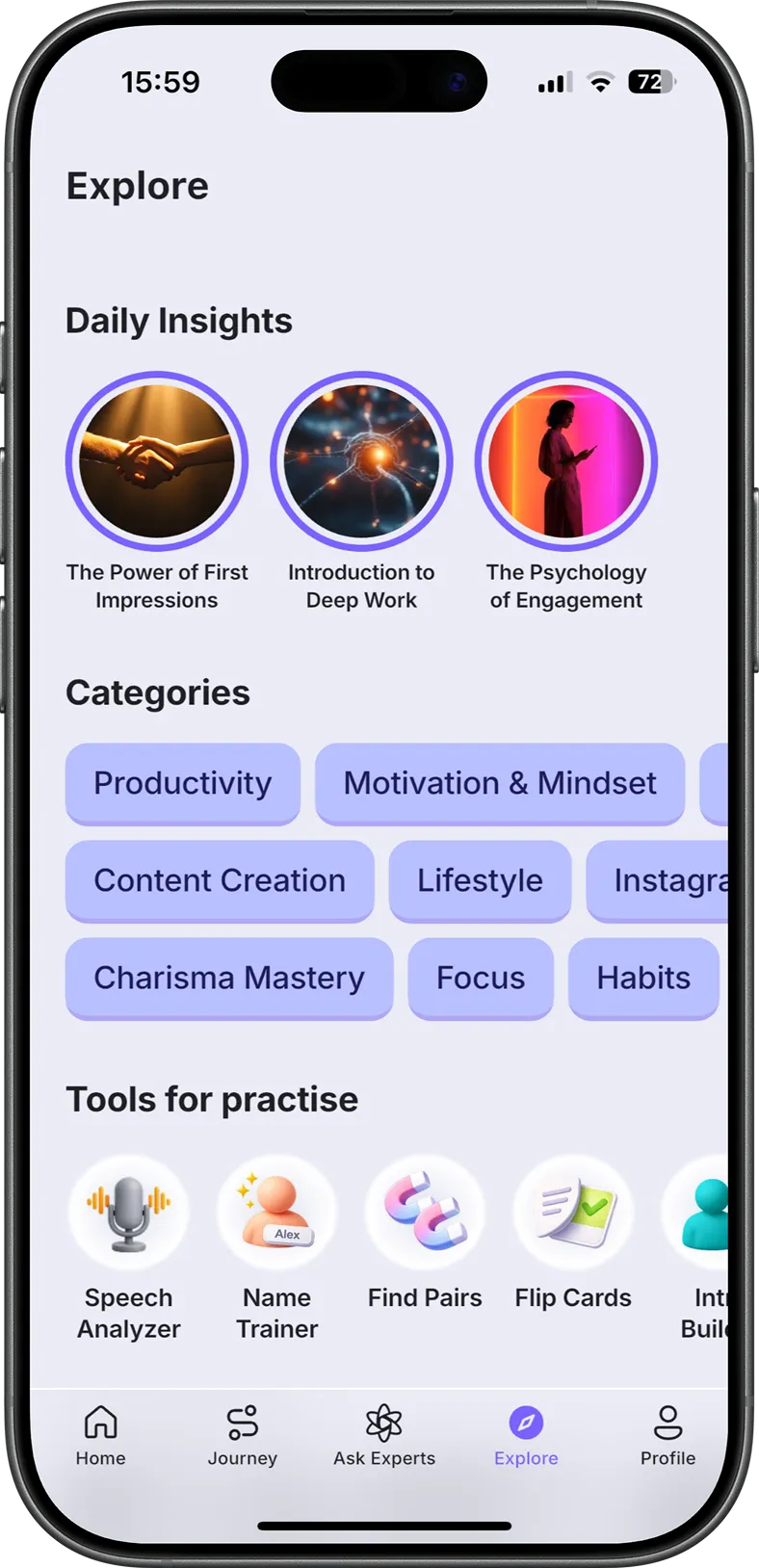
One option worth knowing before the list sits a little outside it. If your reason for listening is to learn rather than to get lost in a story, RiseGuide takes a different route from the apps below. It is a microlearning app, not an audiobook store, so you will not find novels or full-length books on it. What you get instead is short, expert-based lessons and structured journeys you can finish hands-free while you listen, which suits people who press play on a commute or a walk to pick up a skill.
App Store (4.9 ⭐) Google Play (4.6 ⭐)
Best for: the widest selection of commercial titles and new releases.
Audible is the app most people picture when they think of audiobooks, and the size of its catalog is the reason. Owned by Amazon, it carries most major new releases along with a deep slate of Audible Originals you cannot get anywhere else. The app itself is polished, with reliable speed control, bookmarks, and a car mode, and Whispersync lets you move between a Kindle ebook and its audio version without losing your place.
Strengths:
Limitations:
App Store (4.9 ⭐) Google Play (4.8 ⭐)
Best for: borrowing audiobooks free with a library card.
Libby, from OverDrive, is the best free audiobook app going if you have a library card. You connect your local library, browse what it has, and borrow audiobooks and ebooks at no cost. The selection runs deep through the OverDrive network, the interface is clean, and you can even send borrowed titles to a Kindle. The trade-off is that you are sharing a limited number of copies with everyone else in your area.
Strengths:
Limitations:
App Store (4.8 ⭐) Google Play (4.5 ⭐)
Best for: casual listeners who already pay for Spotify.
If you already have Spotify open for music and podcasts, its audiobooks are an easy add. A Premium plan includes a block of about 15 hours of audiobook listening each month, pulled from a catalog that sits in the same app you use every day. For a casual listener who finishes a book or two a month, it is a simple way to start without downloading anything new.
Strengths:
Limitations:
App Store (4.7 ⭐) Google Play (4.5 ⭐)
Best for: a large mainstream catalog with rotating free listens.
Audiobooks.com covers most of the same bestsellers as the bigger names and adds a rotating set of free "VIP" listens on top of its main library. Podcasts are built in, and the playback tools cover the basics well, with a sleep timer and speed control. It is a strong all-rounder, though its discovery tools are plainer than you might expect from a catalog this size.
Strengths:
Limitations:
App Store (4.6 ⭐) · iPhone and iPad only
Best for: iPhone users who would rather buy titles than subscribe.
Apple Books is one of the simplest audiobook apps for iPhone owners, because it comes built in. You buy a title, you own it, and your place syncs across your iPhone, iPad, and Mac without any setup. For people who read and listen in a calm, uncluttered app and prefer buying over subscribing, it is a natural fit, as long as everyone in the household is on Apple devices.
Strengths:
Limitations:
App Store (4.5 ⭐) Google Play (4.5 ⭐)
Best for: readers who like to buy and keep each book.
Rakuten Kobo is the audiobook home for people who already read on a Kobo e-reader, and for anyone who likes owning a book outright rather than renting access to it. You buy audiobooks one at a time, keep them for good, and listen on an iPhone or Android phone. The app pairs reading and listening cleanly, which suits people who move between the two.
Strengths:
Limitations:
App Store (4.3 ⭐) Google Play (3.5 ⭐)
Best for: heavy listeners who want one flat, all-you-can-hear plan.
Everand, formerly Scribd, bundles audiobooks with ebooks, magazines, and documents under a single plan, which makes it appealing if you get through a lot of material. The general-interest catalog is broad, and it works across phones, tablets, and the web. The flip side is that the audiobook side can feel like one feature among many rather than the main event.
Strengths:
Limitations:
Here is how the best audiobook apps line up on ratings and price. The ratings come straight from the App Store and Google Play, and the prices are the current paid plans listed on each app's official pricing page.
| App | App Store | Google Play | Subscription price | Best for |
|---|---|---|---|---|
| Audible | 4.9 ⭐ | 4.6 ⭐ | $14.95/mo | The biggest catalog |
| Libby | 4.9 ⭐ | 4.8 ⭐ | Free | Free library listening |
| Spotify | 4.8 ⭐ | 4.5 ⭐ | $12.99/mo | Music plus some books |
| Audiobooks.com | 4.7 ⭐ | 4.5 ⭐ | $14.95/mo | A big mainstream catalog |
| Apple Books | 4.6 ⭐ | iOS only | In-app purchases | iPhone owners |
| Kobo | 4.5 ⭐ | 4.5 ⭐ | In-app purchases | Owning each book |
| Everand | 4.3 ⭐ | 3.5 ⭐ | $16.99/mo | Unlimited listening |
Prices shown are for paid subscriptions; several of these apps also offer free tiers.
Ratings are a November 2026 snapshot and shift over time.
Start with how much you listen and how you like to pay. If you want the widest catalog and the newest releases, Audible is hard to beat. If you would rather not pay at all, Libby and a library card cover a surprising amount, as long as you can wait out the holds on popular titles. For the best audiobook subscription when you listen a lot, Everand's flat plan lets you move from book to book without counting, while Spotify is the easy choice for a casual listener who already pays for music.
If you prefer to own what you buy, Apple Books and Kobo both let you keep each title for good, with Apple Books being the simplest route on an iPhone and Kobo working across more devices. These are the cases where a buy-per-book app makes more sense than a subscription, since you are building a library you keep rather than renting access to one.
Then there is the question behind a lot of audiobook listening: are you trying to relax with a story, or are you trying to learn something? If it is the second, a full-length book is not always the fastest way there. RiseGuide's short, expert-based lessons are built for learning on a commute, and you can pair them with our guide to building soft skills or our roundup of Masterclass alternatives if structured learning is what you are really after. It will not replace Audible for a weekend novel, but for learning on a commute, it is often the better use of the time. If you are weighing it against a book-summary app, RiseGuide vs Blinkist breaks down the difference.
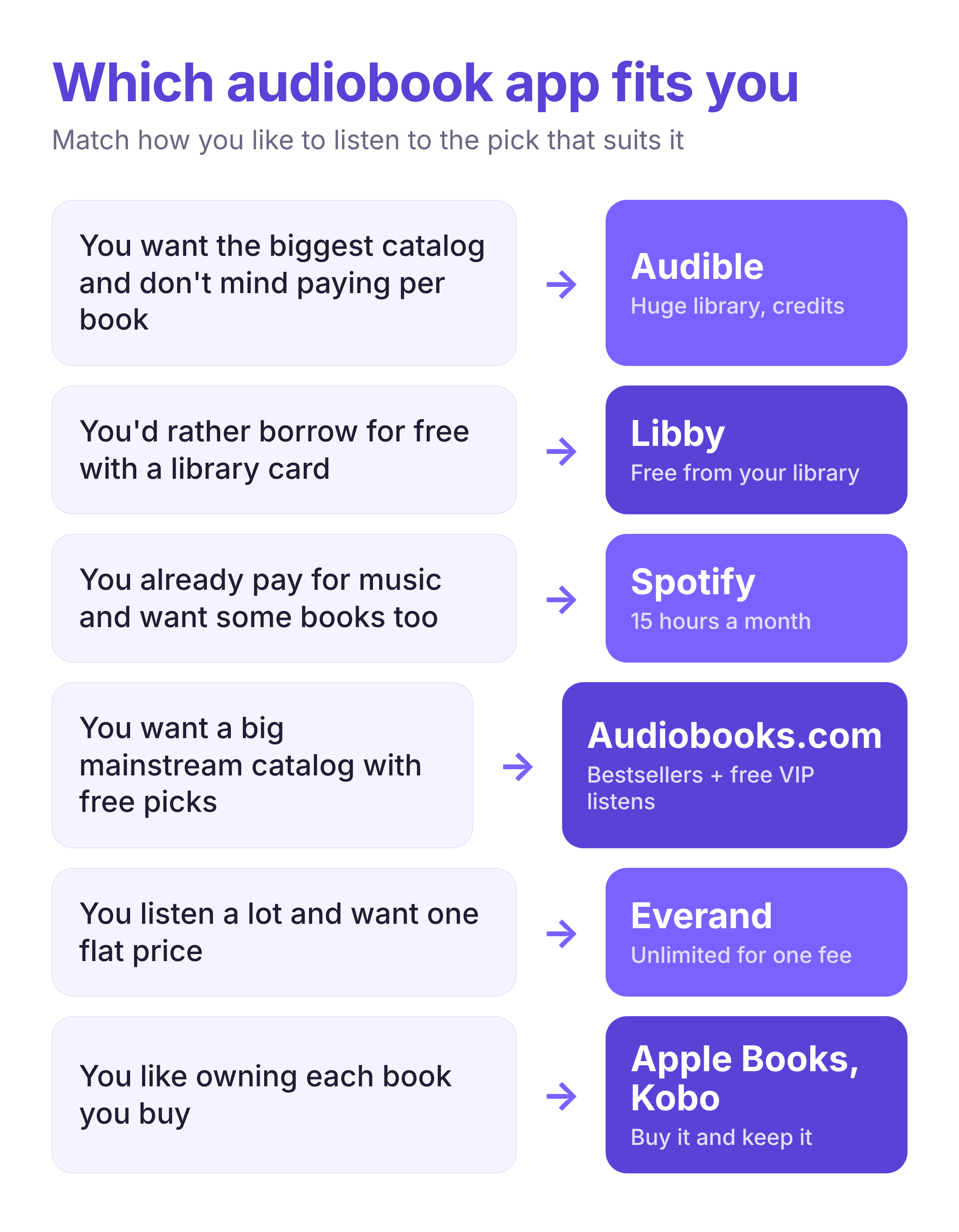
The best audiobook app is the one that matches how you actually listen. Heavy listeners get more from a flat plan or a big catalog, library users get a lot for free through Libby, and buyers who want to keep their books are better served by Apple Books or Kobo. If your goal is to learn rather than to settle in with a story, a microlearning app like RiseGuide may do the job in less time. Most of these apps offer a free trial or a free tier, so the cheapest way to decide is to try one or two with a book you already want to hear.