RiseGuide Team

The best note-taking apps in 2026 each fit a different way of working, so the right one depends on what you're capturing and where. Here's the shortlist:
If you want one flexible home for everything, start with Notion or OneNote. If you write by hand on a tablet, look at Goodnotes or Notability. If you mostly need quick capture, Google Keep or Apple Notes will do.
Notes pile up fast: they land in folders, screenshots gather in a camera roll, and half of it never gets read again. A good app makes capturing and finding things easier, and the best note-taking apps below each do that in a different way, for a different kind of person.
This roundup covers what each app is best at, how it works, and where it falls short, so you can match one to how you actually work instead of installing five and abandoning four.
The best note-taking app for you depends less on a feature checklist and more on the kind of notes you take. A few broad types cover most people.
All-in-one workspaces like Notion and OneNote hold notes, documents, and simple databases in one place, which suits people who want a single home for everything. Markdown and linked-note apps like Obsidian store plain text files you control and let you connect ideas together, which suits researchers and long-term thinkers. Quick-capture apps like Google Keep and Apple Notes are built for speed, so a thought or a grocery list is two taps away. Handwriting apps like Goodnotes and Notability turn a tablet and a stylus into a notebook, which matters more than it sounds: a 2024 EEG study found that writing by hand produces far more widespread brain connectivity than typing, in patterns tied to memory and learning.
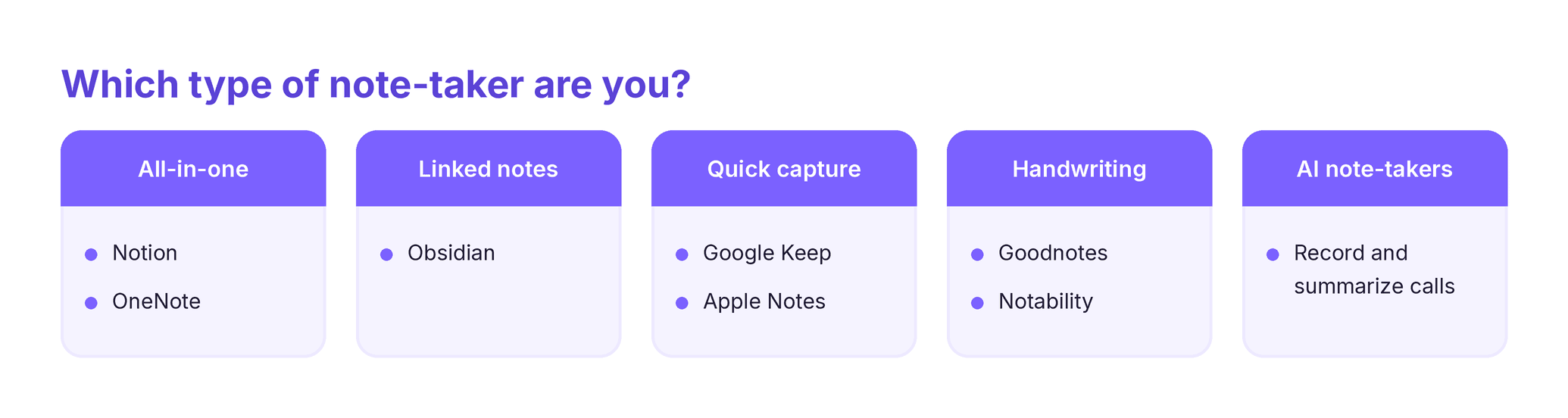
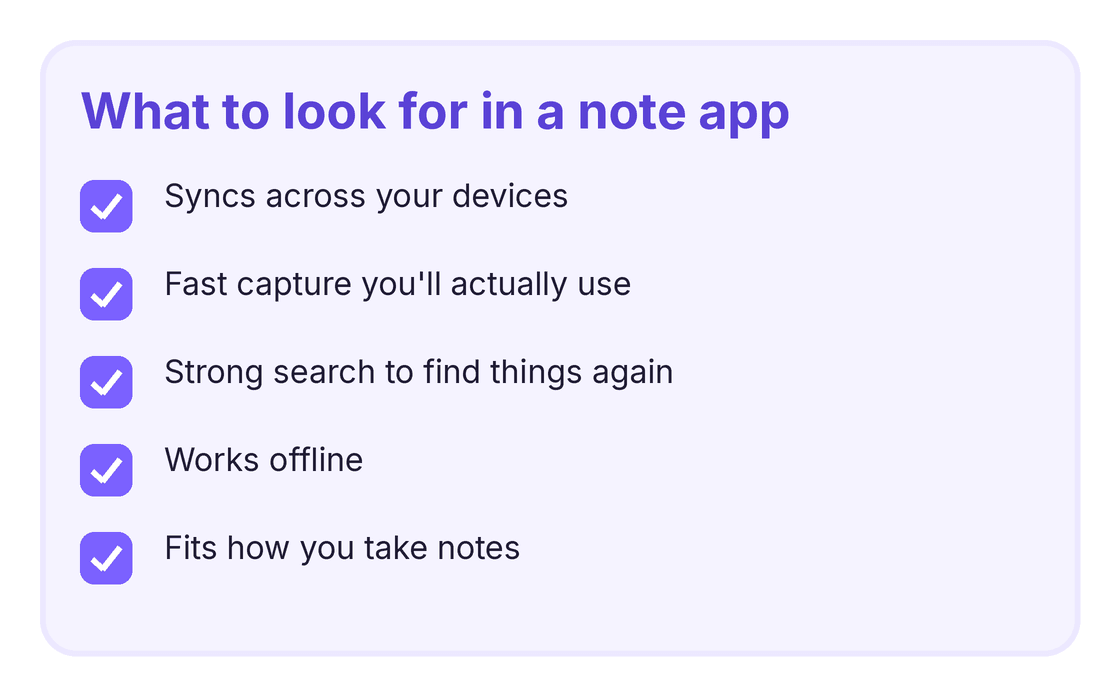
There's also a fast-growing group of AI note-taking apps that record and summarize meetings for you. The best AI note-taking apps are handy if most of your notes come from calls, though they don't replace a place to think and organize on your own. Whatever type you pick, the questions that matter are simple: does it sync across your devices, is capture fast enough that you'll actually use it, and can you find things again later. A note app only helps if you open it, so it's worth folding capture into something you already do each day, like a morning routine.
Platforms: web, Windows, Mac, iOS, Android Best for: people who want notes, docs, tasks, and databases in one flexible place. Notion is a blank canvas you can shape into almost anything: a simple notes list, a project tracker, a personal wiki, or a shared team space. Pages nest inside pages, and its databases let you tag and filter notes like a light spreadsheet. That flexibility is the draw and the catch, since the same openness that makes it powerful can make it slow to set up.
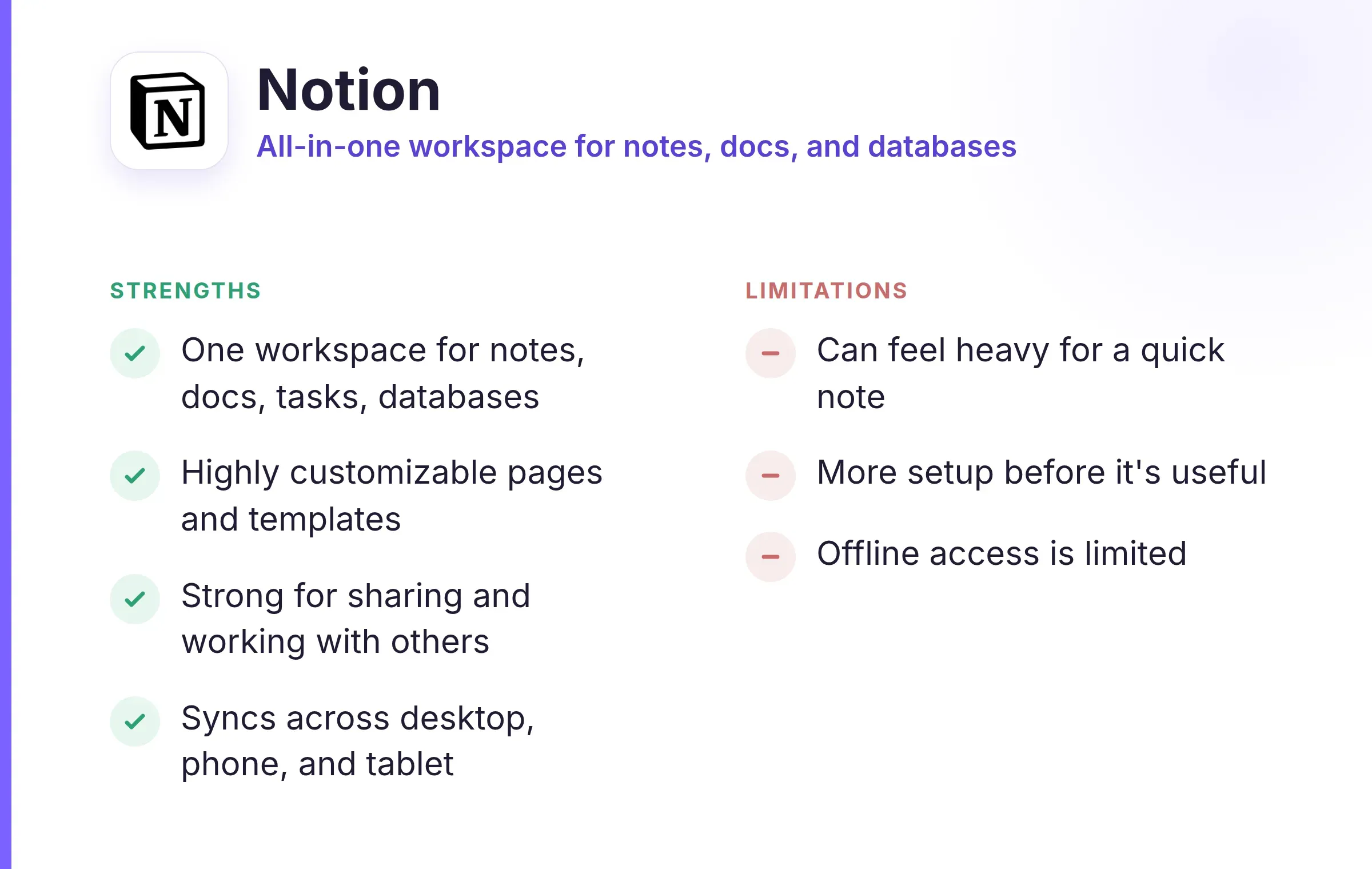
Strengths:
Limitations:
Platforms: Windows, Mac, Linux, iOS, Android Best for: researchers and long-term thinkers who want to own their notes and connect ideas. Obsidian keeps your notes as plain markdown files on your own device, so nothing is locked inside someone else's system. Its standout feature is linking: you connect related notes and watch a map of your thinking build up over time. It rewards people who take a lot of notes and come back to them, which is also who it asks the most from.
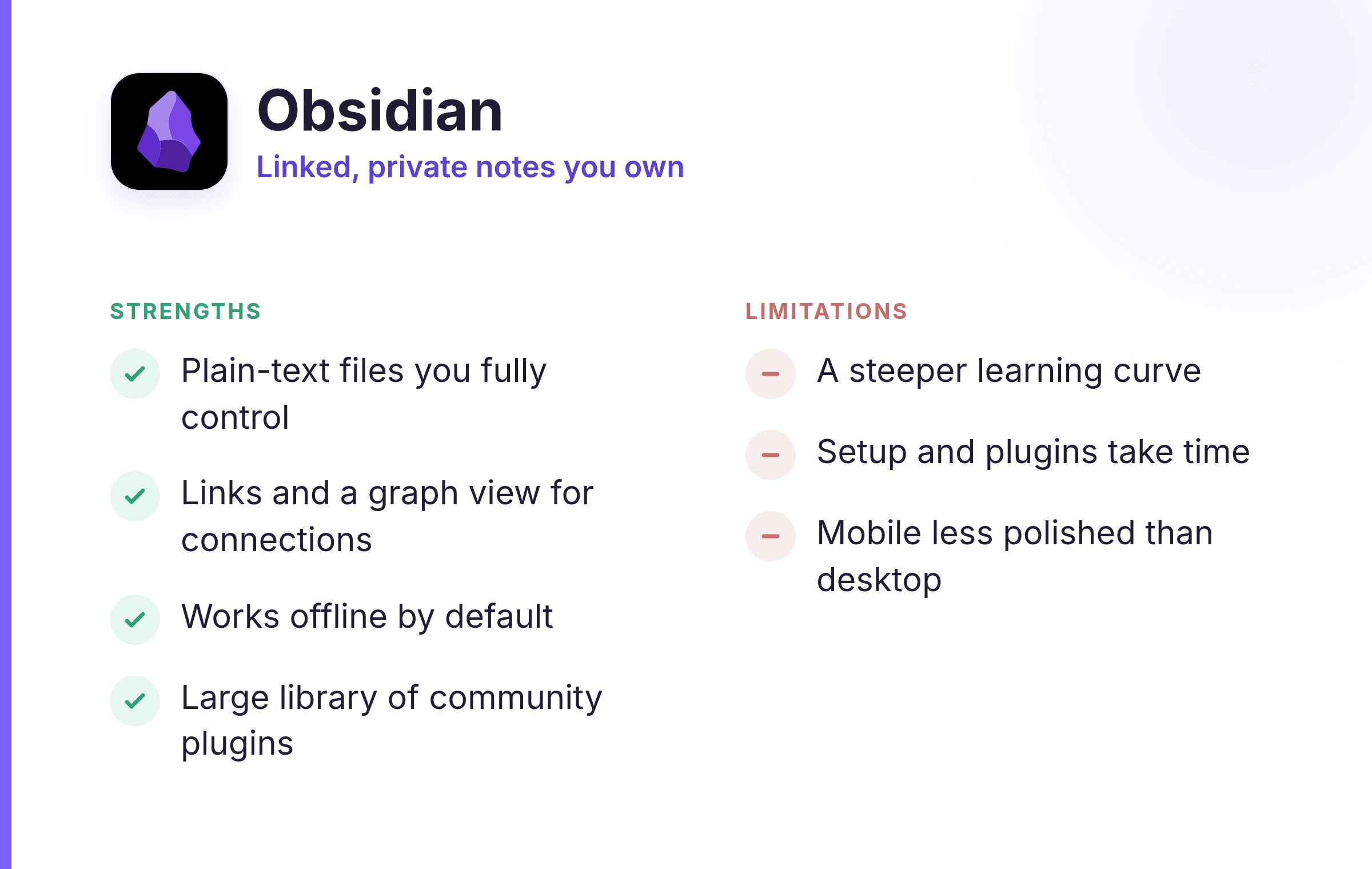
Strengths:
Limitations:
Platforms: Windows, Mac, iOS, Android, web Best for: people who want a flexible digital notebook that's free and works everywhere. OneNote copies the feel of a physical binder, with notebooks, sections, and pages you can type or draw on anywhere on the canvas. It's genuinely cross-platform, running well on Windows, Mac, iPad, and Android, and it's one of the best free note-taking apps for people already in the Microsoft world.
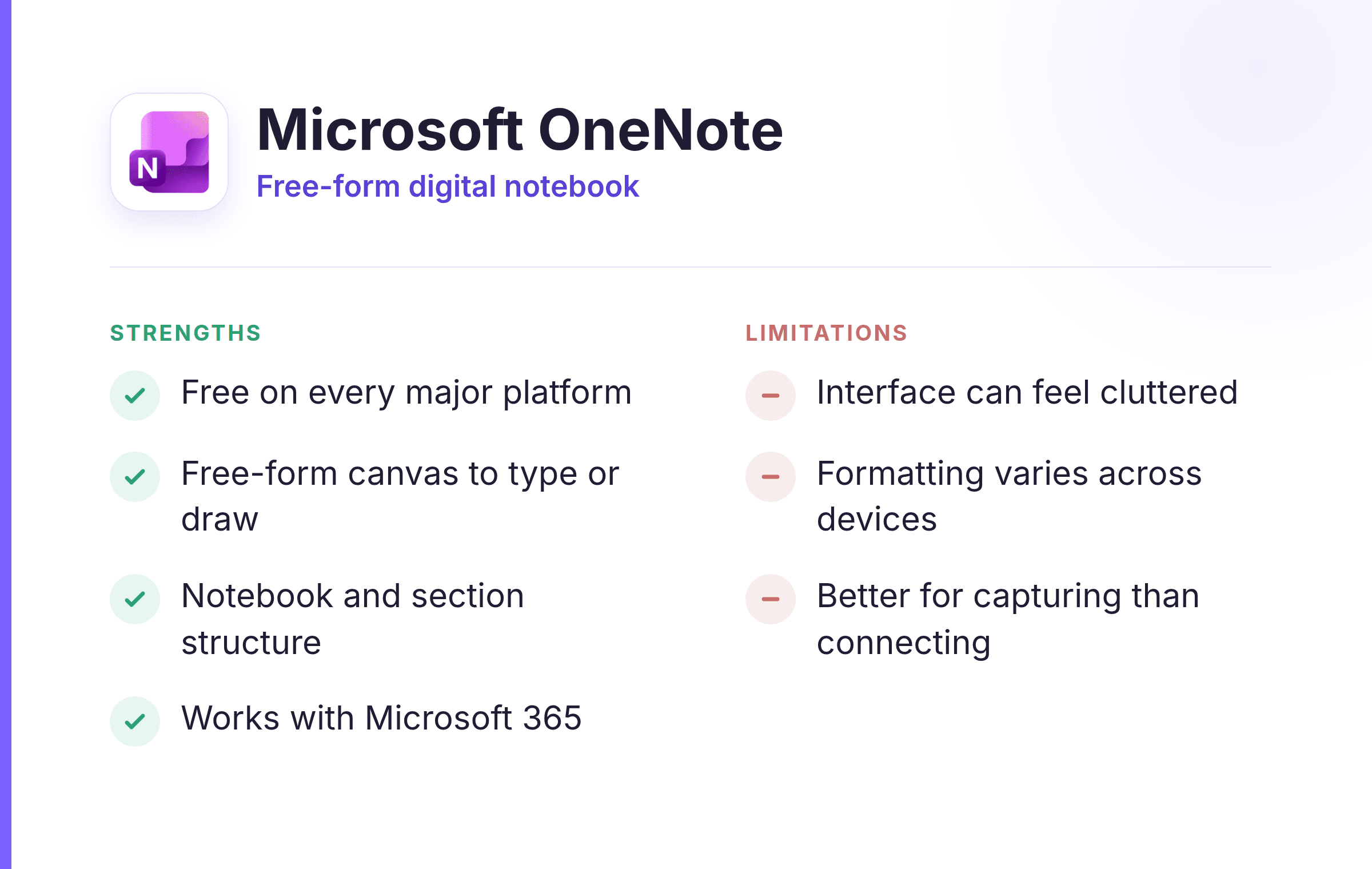
Strengths:
Limitations:
Platforms: iPhone, iPad, Mac (built in, no download) Best for: iPhone and Mac users who want a capable notes app already on their devices. Apple Notes has become good enough that many people never need anything else. It handles typed notes, checklists, scanned documents, quick sketches, and tables, and it syncs instantly across Apple devices through iCloud. For anyone inside the Apple ecosystem, it's the simplest place to start.
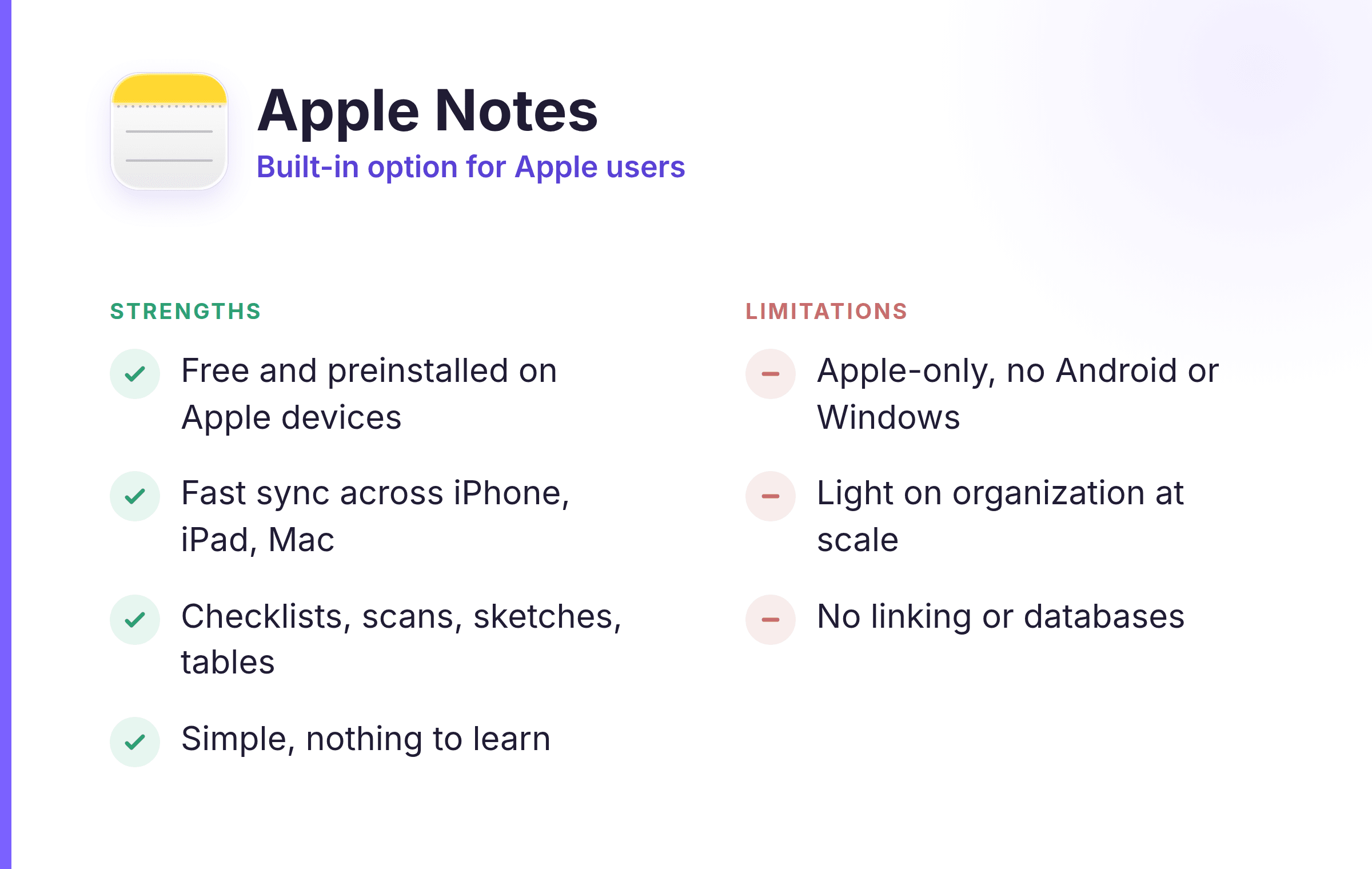
Strengths:
Limitations:
Platforms: web, iOS, Android Best for: fast capture of short notes, lists, and reminders across devices. Google Keep is built for speed: open it, jot a thought or a checklist, and it's saved and synced everywhere. Notes come as colored cards you can label and search, and it ties neatly into the rest of Google's tools. It isn't built for long documents, which is what keeps it so fast.
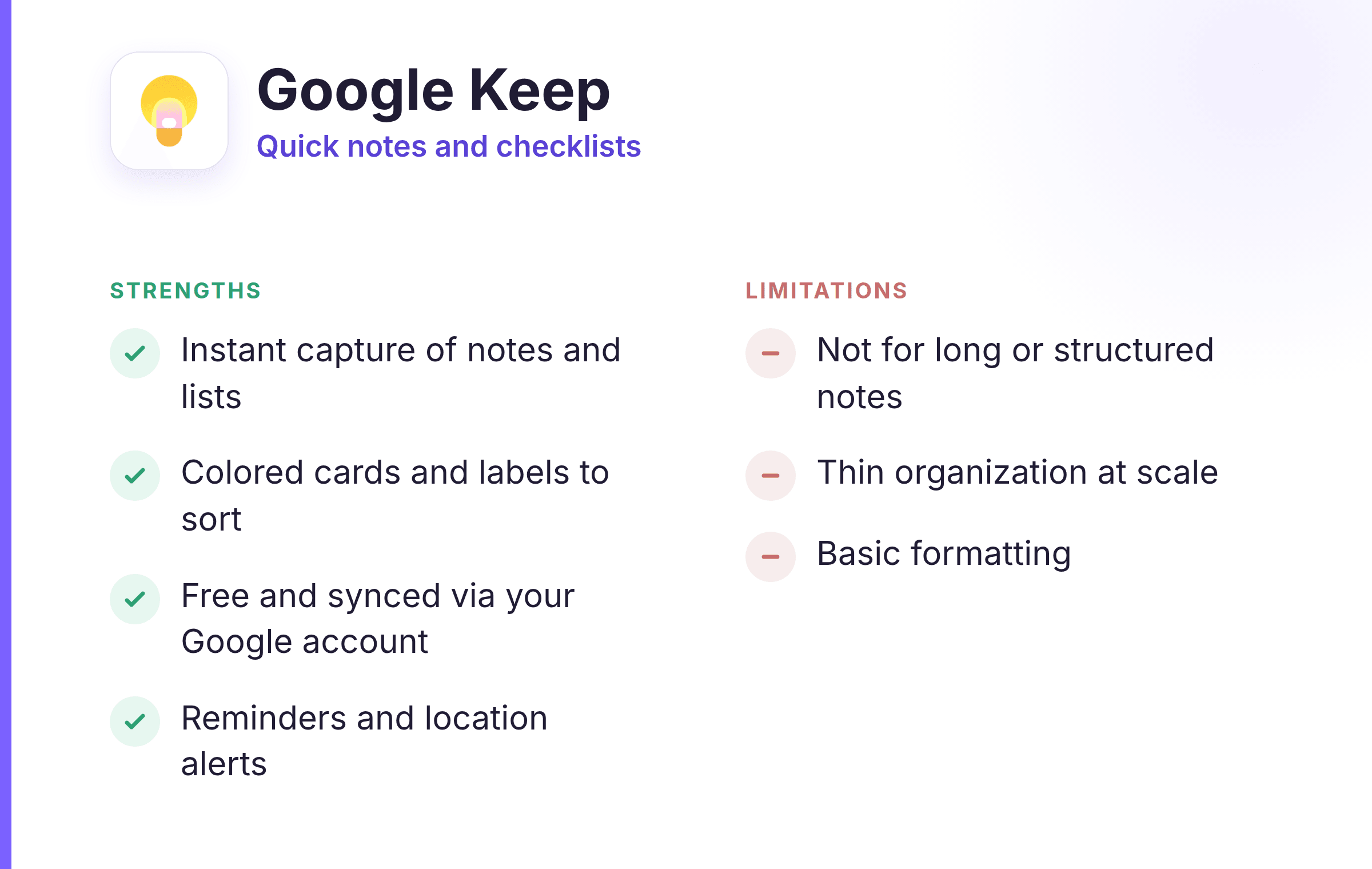
Strengths:
Limitations:
Platforms: Windows, Mac, iOS, Android, web Best for: people who want to save articles, receipts, and clippings and find them again fast. Evernote helped invent this category, and it's still strong at capturing almost anything, then finding it later, including text inside images and scanned documents. Its web clipper is one of the best around for saving pages as you browse. Some longtime users report a heavier, slower app than they remember, so it's worth trying before you commit.
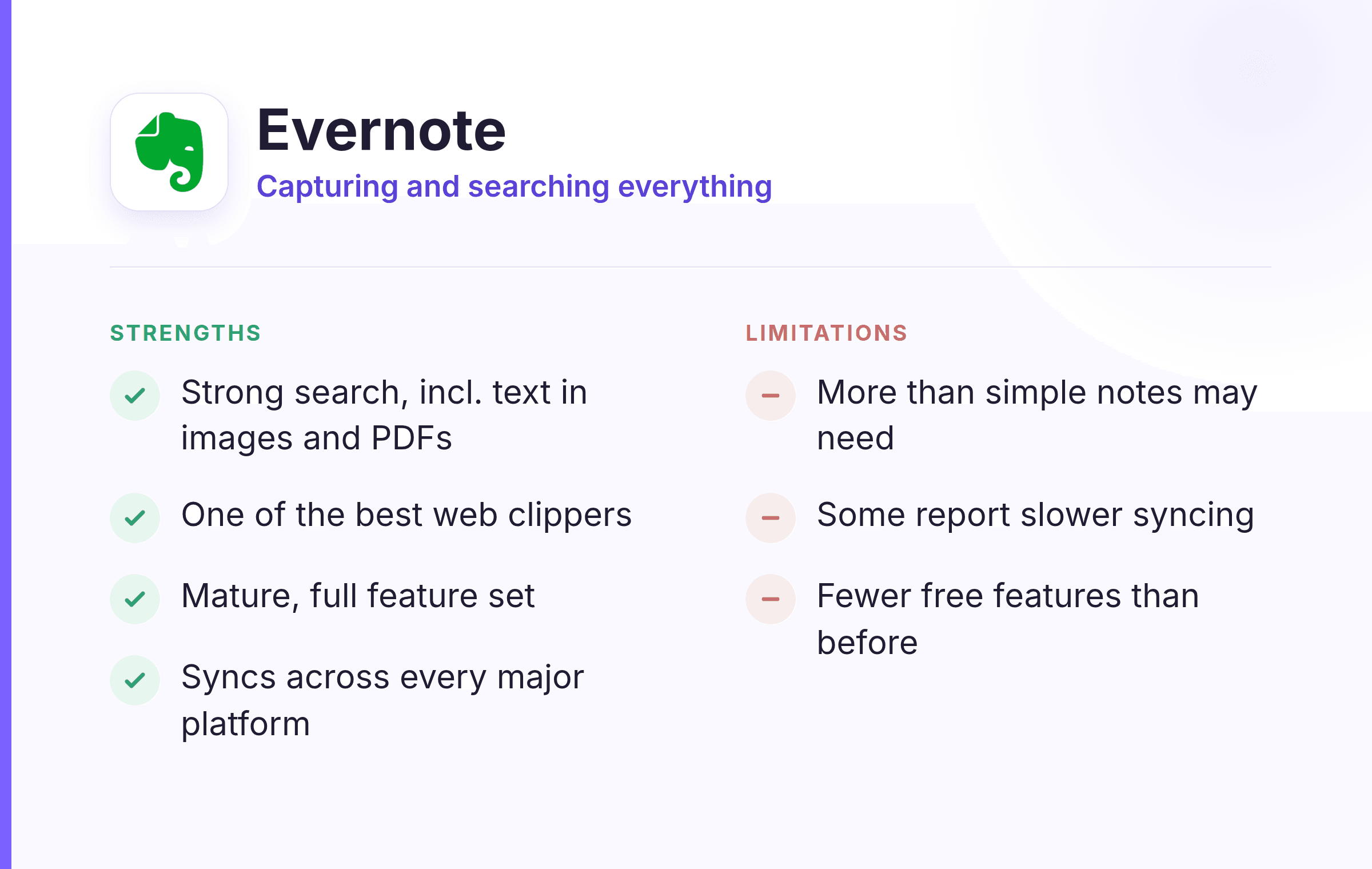
Strengths:
Limitations:
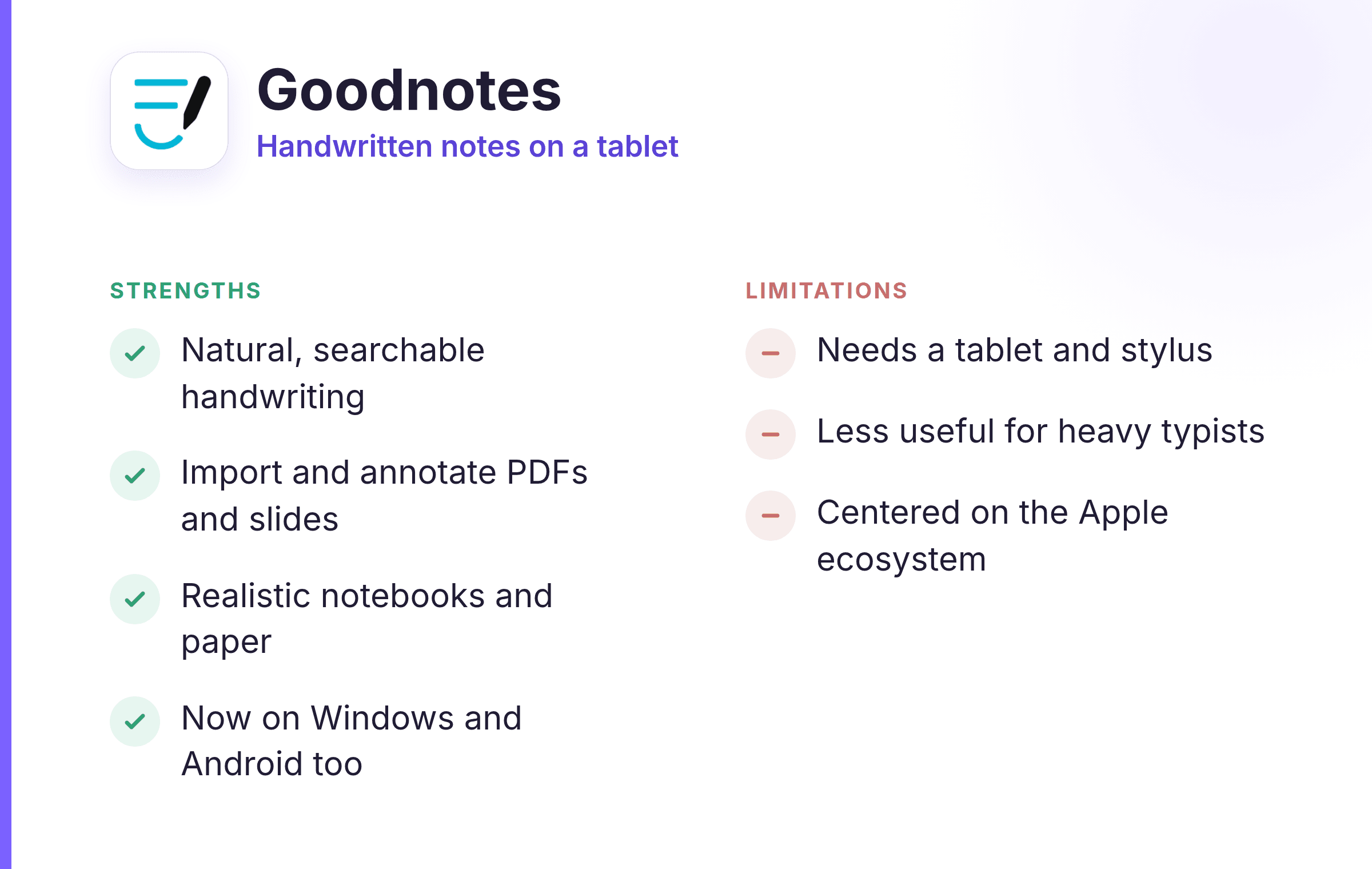
Platforms: iPad, iPhone, Mac, Windows, Android (best with Apple Pencil) Best for: students and anyone who thinks best writing by hand on a tablet. Goodnotes turns an iPad and an Apple Pencil into a stack of notebooks, with realistic paper, handwriting that stays searchable, and easy importing of PDFs to mark up. For lecture notes, annotated readings, and anything you'd rather write than type, it's one of the best note-taking apps for iPad.
Strengths:
Limitations:
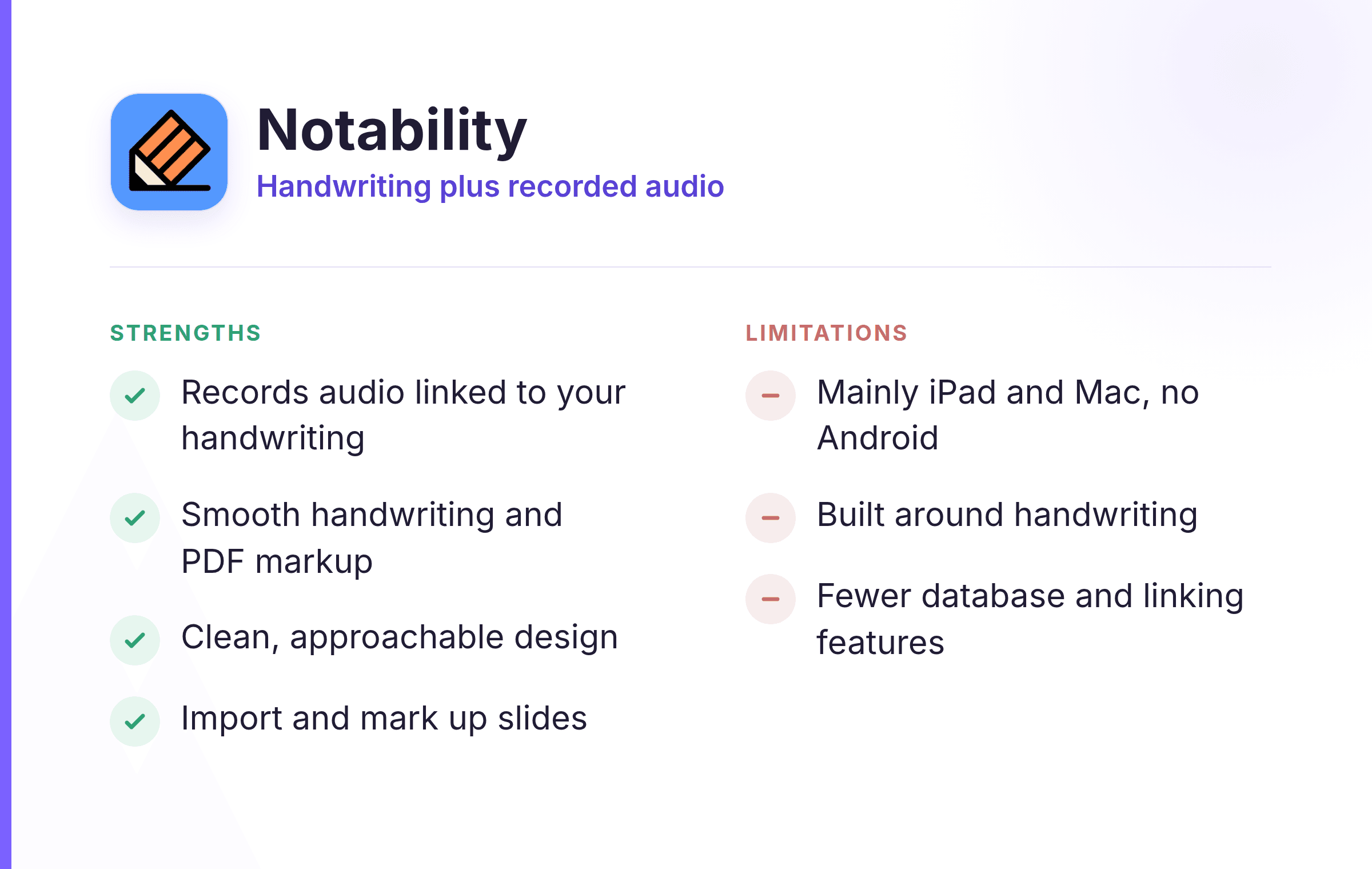
Platforms: iPad, iPhone, Mac (best with Apple Pencil) Best for: people who want to write by hand and record what's being said at the same time. Notability pairs handwriting with a standout feature: it records audio while you write and links your notes to the moment they were taken, so tapping a word plays back what was said then. That makes it a favorite for lectures and interviews, alongside the usual handwriting and PDF markup.
Strengths:
Limitations:
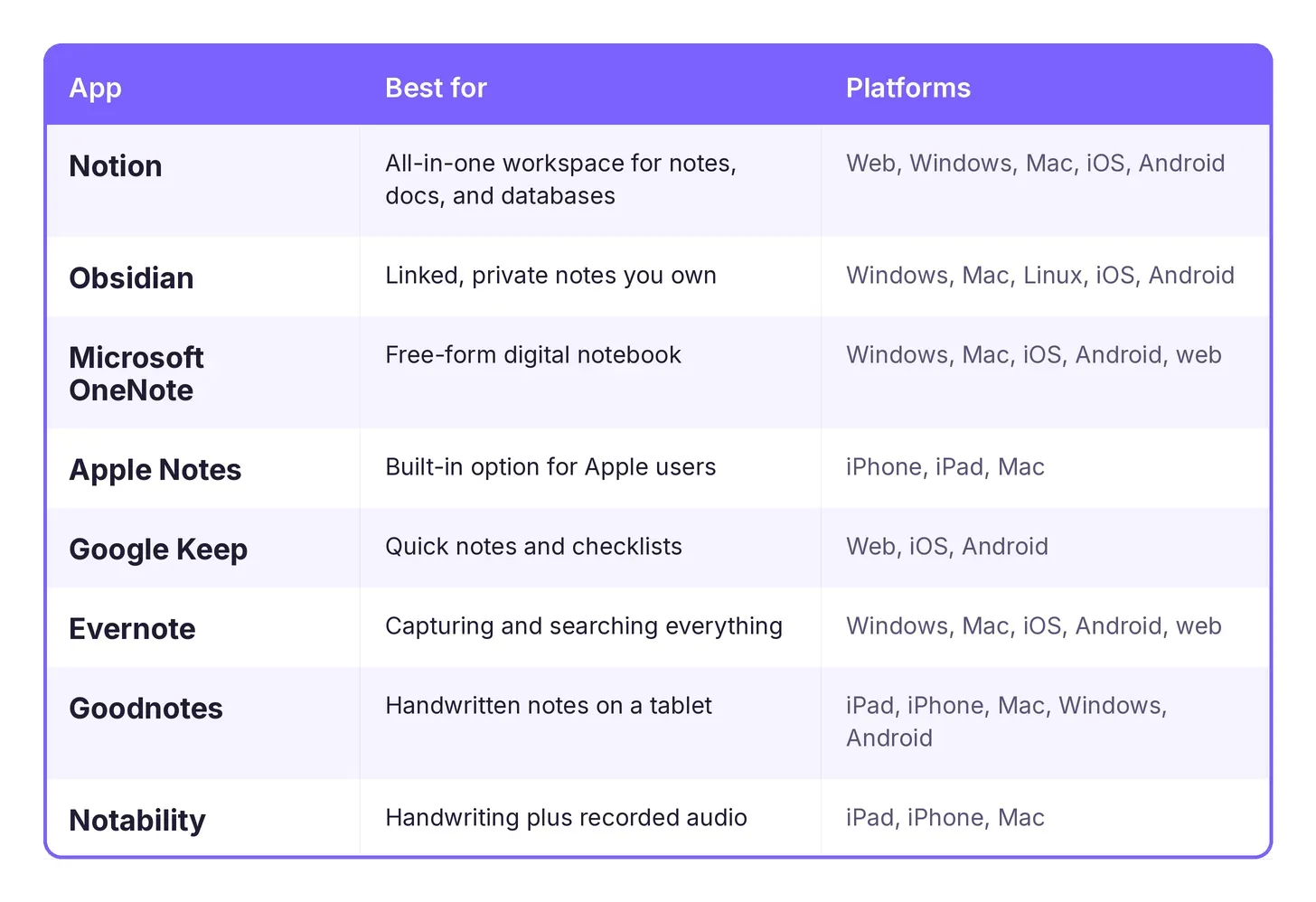
Here's how the eight compare side by side.
Start from how you work, not from the app with the longest feature list. If you want one place for notes, tasks, and documents, Notion or OneNote will serve you for years, and OneNote is the best free note-taking app if you're already using Microsoft. If you take a lot of notes and like connecting ideas, Obsidian rewards the effort. For fast, everyday capture, Google Keep and Apple Notes are hard to beat, and Apple Notes is the obvious pick if all your devices are Apple.
For students, the best note-taking apps are often the handwriting ones: Goodnotes and Notability are also the best note-taking apps for iPad, with Notability's audio recording especially useful in lectures. If most of your notes come from meetings, one of the AI note-taking apps that transcribe and summarize calls may fit better than anything here.
Whichever you choose, the app is only half the job. Capturing notes is easy; coming back to them is the harder part, so pick the one you'll actually open every day. If you want more tools in that vein, our roundup of the best apps for learning is a good next stop, and good notes pay off most when you're learning from someone worth learning from, which is part of the value when you find a mentor.