RiseGuide Team

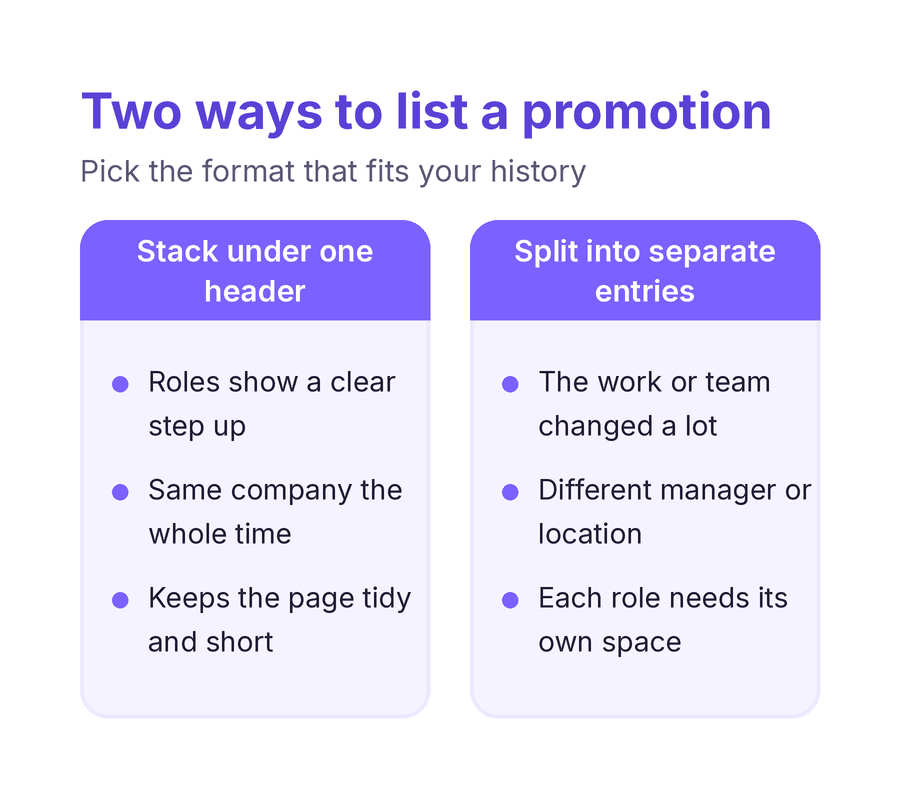
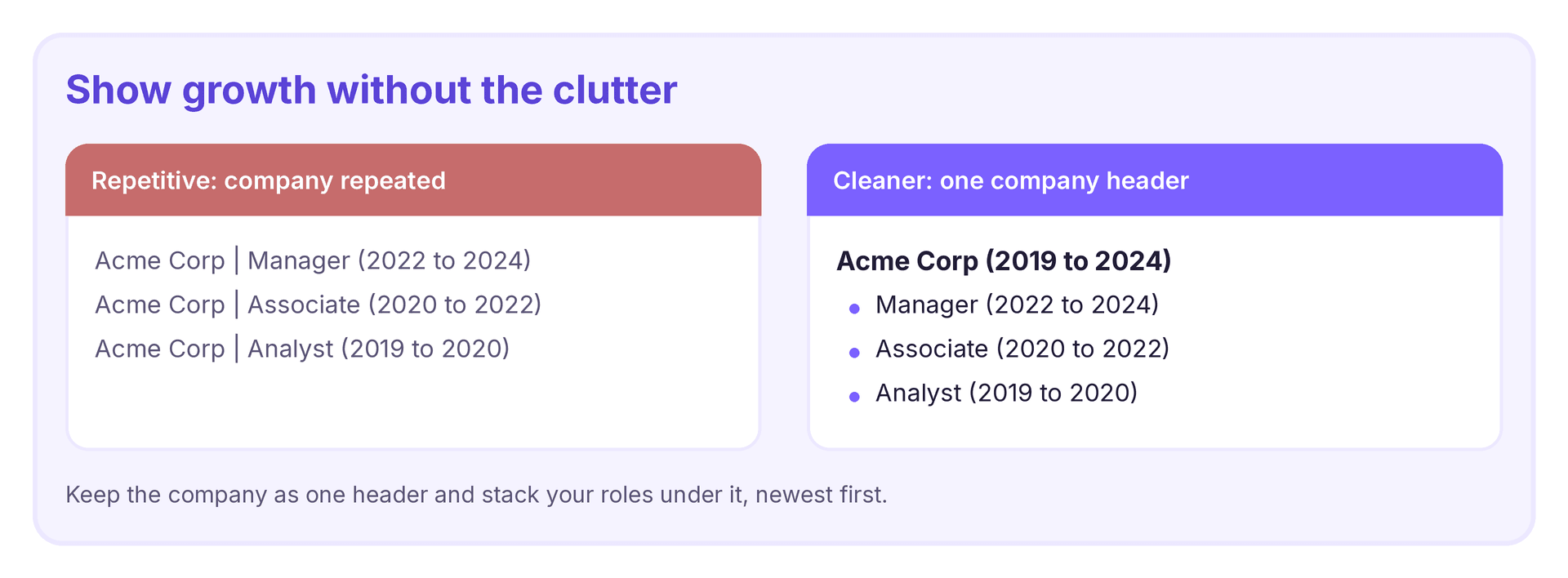
To show a promotion on resume, list the company once with your total time there, then stack each job title under it from newest to oldest, giving each role its own dates and a few results. Keeping the company in a single header makes your growth easy to see and stops the page from repeating itself. If two roles were very different, you can list them as separate entries instead, or add a short line noting the promotion under one role when space is tight.

The simplest way to show a promotion is to keep the company as one header with your total dates, then list each title under it from most recent to oldest. Give every role its own dates and a few bullet points that focus on results rather than tasks. This keeps the page from repeating the company name and makes your climb easy to follow, and it is a clean way to show a promotion on resume without adding clutter.
The right format depends on how different the roles were. If the work, the team, or your manager changed a lot, it can be clearer to list the jobs as separate entries. If the roles were close and the move was mostly a title change, you can keep one entry and add a short line noting the promotion, such as the date you stepped up. For a longer history, put more detail on your recent roles and less on the older ones.